About a year ago, Google shipped the first version of the Antigravity IDE. It was basically an agent-centric VS Code fork. Fine tool, fine models underneath. Nothing world-beating, but certainly useful. Back in May, the product rebooted with Antigravity 2.0, an agent-first experience that pushed the IDE to the background, and focused on the desktop app and CLI experience. Better tool, better models. It didn’t leapfrog competition, but put Google in the game. Here in November of 2026, it’s a different story. The product caught up with competitors in key areas, innovated in a few others, and is powered by legitimately good coding models. It’s worth a second (third, fourth) look!
Disclaimer: I work at Google and use Antigravity every day, alongside tens of thousands of coworkers. I do so because I prefer to use what I ask developers to use! While I use an internal version of Antigravity for day to day work, I also use my personal Google AI Pro subscription so that my developer experience often feels like that of a “regular” user. I’ve done my best to deliver a fair assessment below, but please point out any mistakes I make about the landscape.
Over the last 90 days (August 19 – November 17, 2026), no other leading AI developer tool shipped as many net-new capabilities as the Google Antigravity team did. To be sure, everybody has been shipping a ton in this space. Across all surfaces (Antigravity App, CLI, IDE, SDK, IDE extensions) we delivered 150 versioned releases, and 900+ public changelog items. Claude Code delivered ~84 CLI releases with hundreds of total items, Microsoft dropped dozens of features as part of this GitHub Universe window, Devin had ~58 tracked releases, OpenCode delivered about 65 tagged releases, and OpenAI Codex had about 40 shipping events.
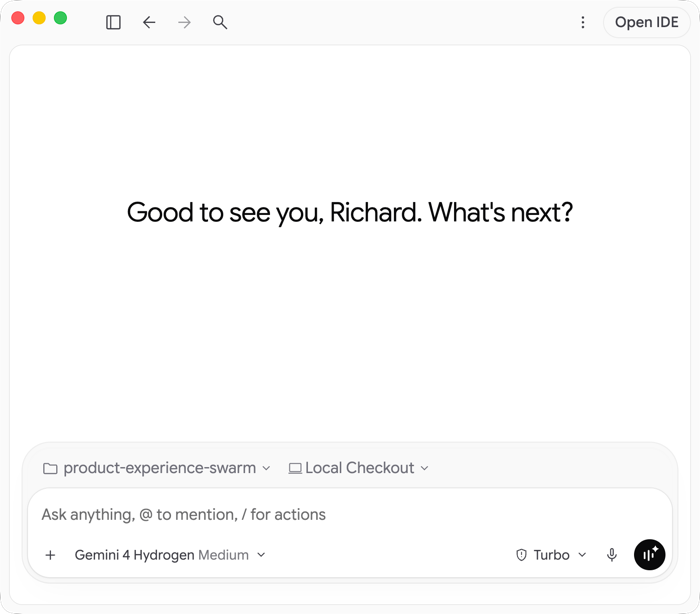
Now you might say “sure, you shipped a lot of features because you were behind on functionality others already had.” True. We still needed to ship them, though! Let’s look at those items first.
Catching up
Over the past 90 days, Antigravity added a lot of features already present in other great AI tools.
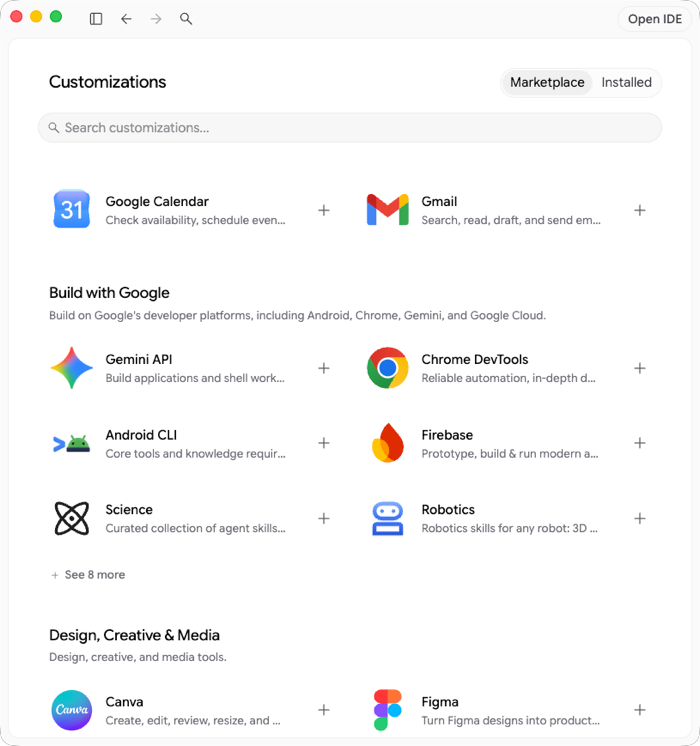
Plugin / skill / MCP marketplace. You want an easy way to find and install useful plugins. OpenAI Codex, Claude Code and others have this. We’ve added a helpful “customizations” experience for discovery and management of these extensions.
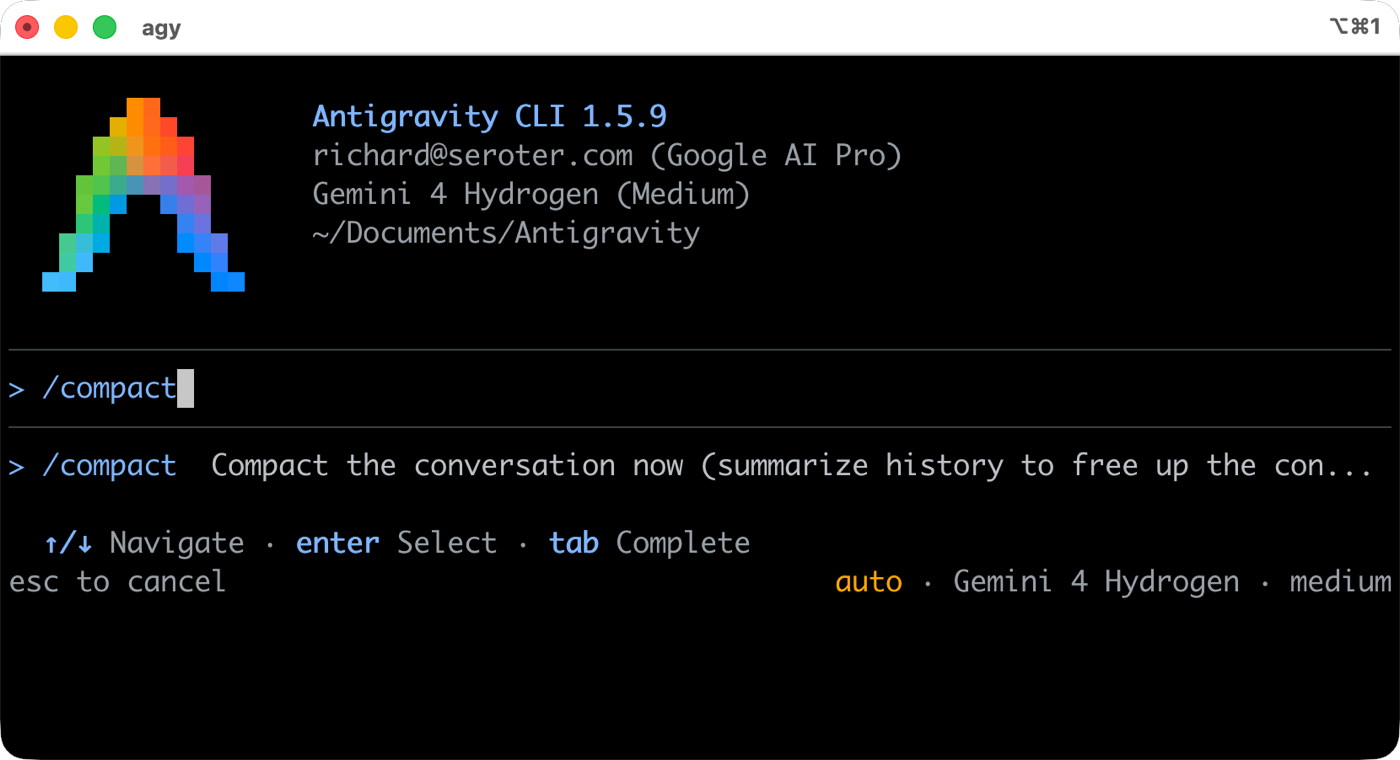
Manual context compaction. Claude, Cline, and OpenCode have this. Now you can do an on-demand summarization with Antigravity. We also doubled the automatic context checkpoint from 256k to 512k tokens, which is unique.
Lifecycle hooks. Anthropic invented this taxonomy and now we have these plugin lifecycle hooks for PreToolUse, PostToolUse, Stop, SessionStart events.
Consolidating on AGENTS.md and directory-scoped rules. Instead of proprietary frontmatter-only rule files, we’ve changed (alongside Cursor, Claude Code, Codex) towards AGENTS.md with parent directory traversal.
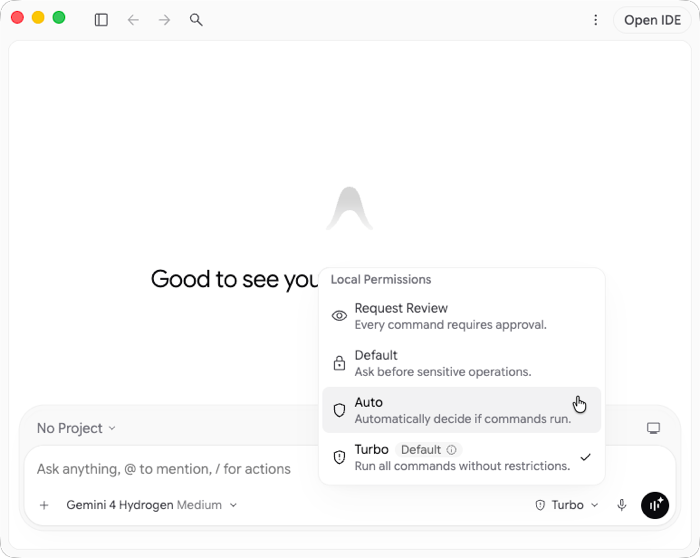
Default “auto mode.” How much do you want to be interrupted to provide feedback on harness decisions? Other tools offered an auto permission mode, and we’ve added to the existing “turbo”, “request review”, and “default” options.
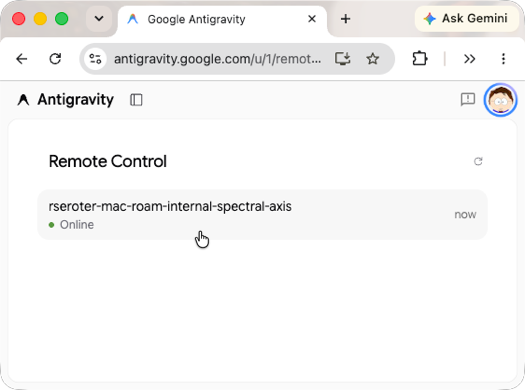
Remote control of a local terminal. Drive your laptop session from a phone. Claude Code popularized this, and now you can steer your machine from anywhere.
Side-channel questions and mid-turn steering. Claude Code and Copilot offer /btw for tangential questions. Antigravity now has that too, with a good experience where you can also pick which model answers the question. You can also add relevant questions mid-stream and immediately send those updates to the main trajectory.
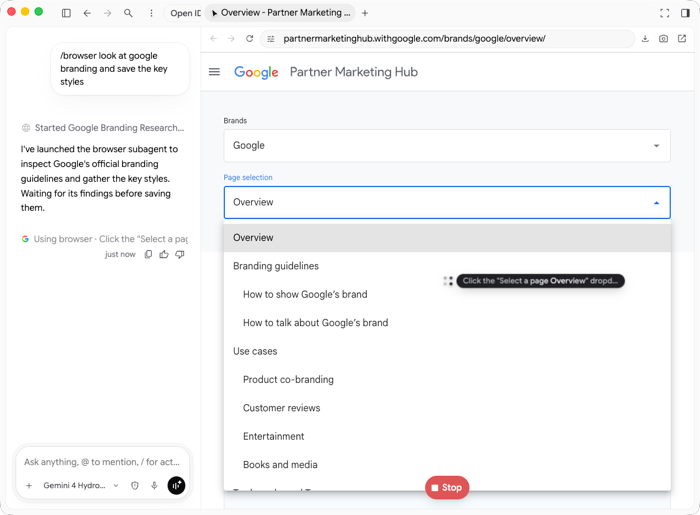
Autonomous browser use. We’ve had browser use in the past, as did most tools, but we removed it. We’ve since updated that, and now have a rich /browser experience for opening web pages, interacting with running apps, inspecting errors, taking screenshots, and more.
Raw key auth and bidirectional stream/json piping. Like Aider, OpenCode, and Claude Code, you can now stream JSON out for better Unix piping. And we’ve added API key as a CLI parameter for non-interactive scenarios. All of this helps background workers.
Jumping ahead
Besides adding functionality that everyone else has, the Antigravity team recently introduced a set of relatively unique features for those building with AI.
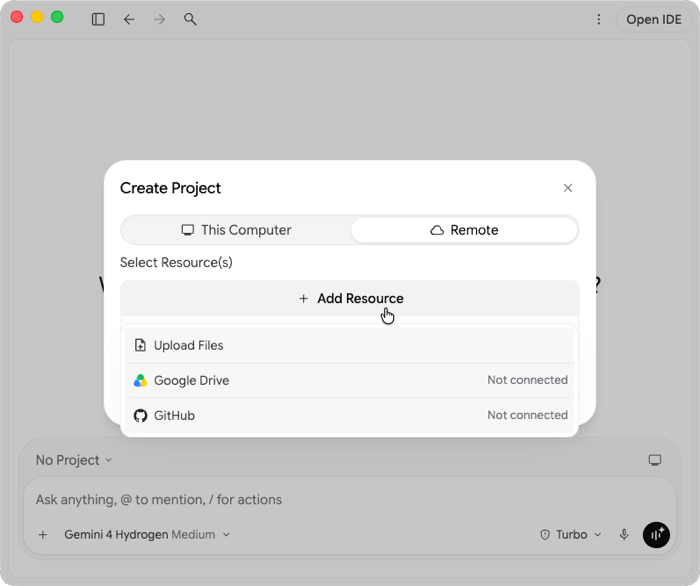
Remote cloud agents. Keep executing even when the laptop closes. Remote Agents run in a persistent cloud VM attached to GitHub repos or Google Drive folders. Access this from anywhere.
Gemini 4 Argon, Carbon, Hydrogen, and Orchestrator. Objectively, the Gemini 4 models are strong coding models. In both benchmarks and real-world usage, developers are increasingly leaning on them. Antigravity also added support for Claude Sonnet 5.5 and Opus 5.5. Note different access based on subscription tier.
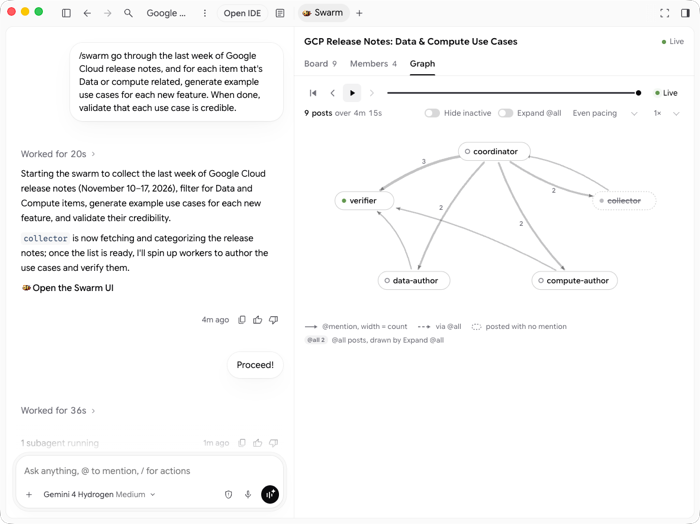
Shared-board agent swarms. /swarm mode is pretty awesome. Run a team of named agents that work in parallel and share a message board. Easy to start, and the visualizations make it easy to see what’s going on.
Zero-install dynamic Python workflows. This one is brand new. The Antigravity agent writes a runs a Python script that creates a predictable control flow for your agents.
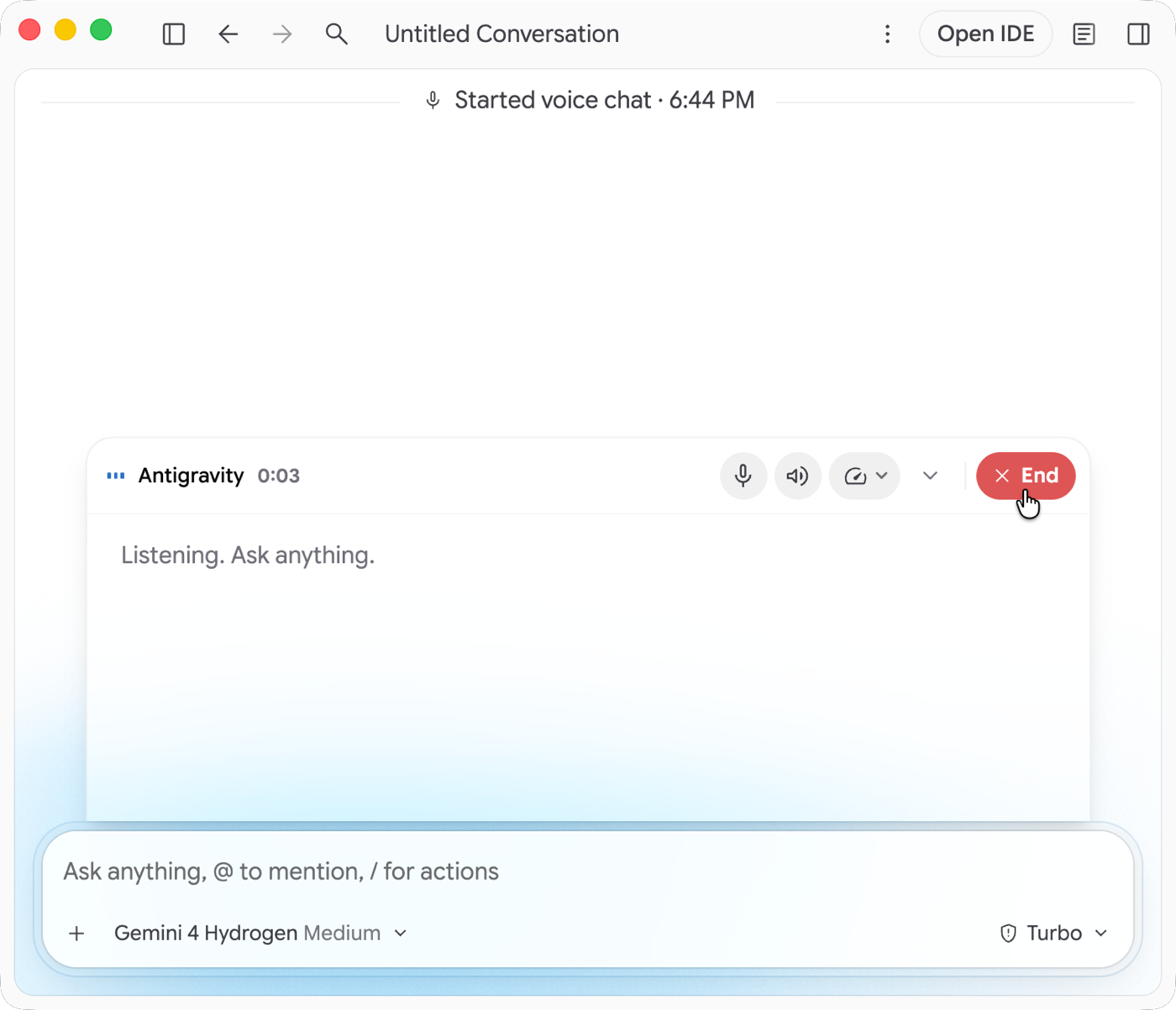
Full-duplex Gemini Live voice. Unlike others that offer a audio recording as input, Google Antigravity ALSO supports an ongoing two-way conversation with the agent. Pairing this with remote agents and on-the-go work feels compelling.
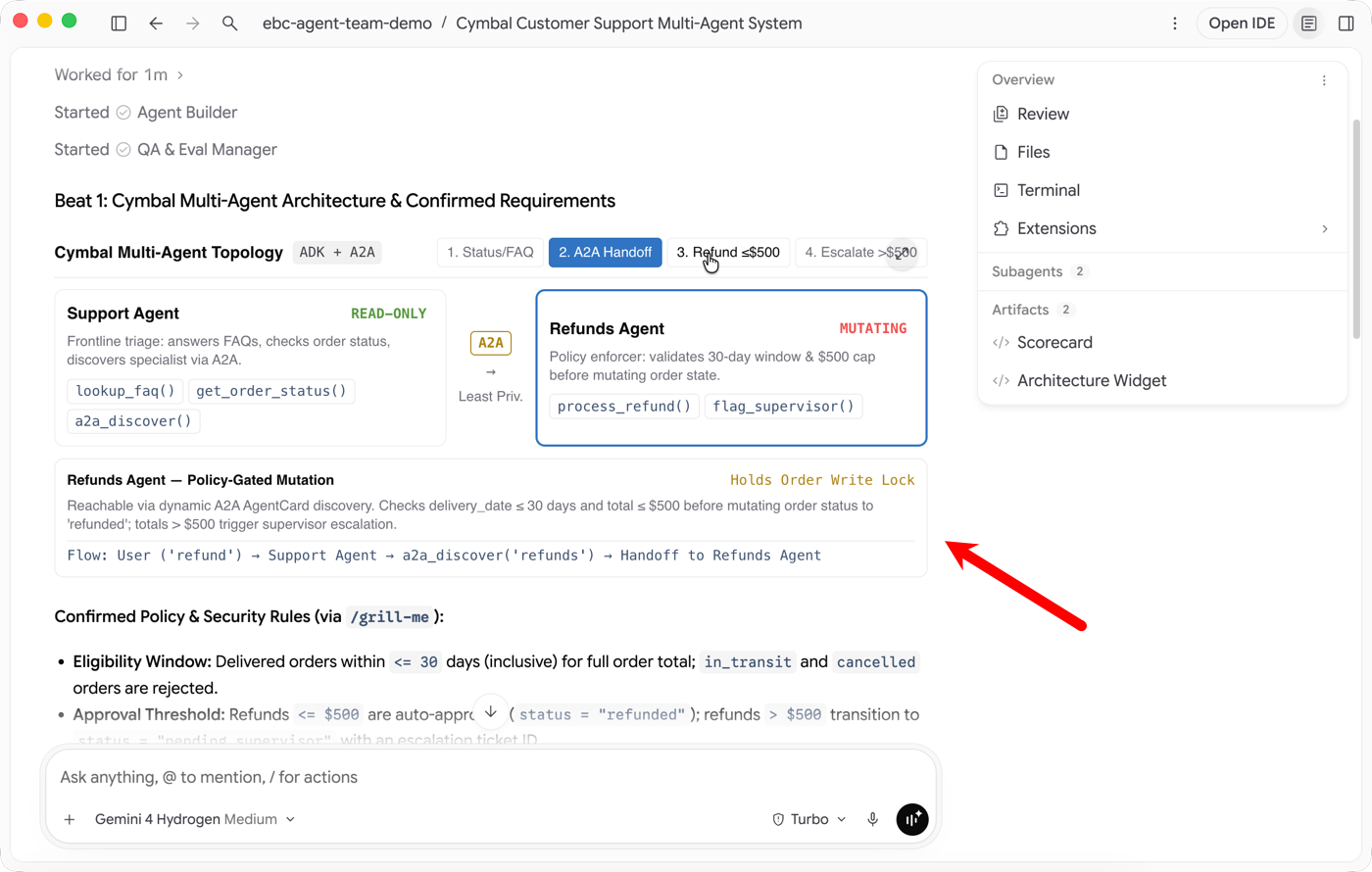
Direct subagent messaging. With the Antigravity CLI, you can DM a subagent directly from the main conversation. We’ve made a lot of investment in making multi-agent feel natural.
Generative interfaces in the main chat. Ask the agent to create interactive widgets for the output.
Unmatched surface breadth and usable $0 tier. Use a desktop app, IDE, CLI, IDE extensions (for VS Code, Visual Studio, Eclipse, JetBrains, Zed, XCode), and an SDK. It’s all available in the free tier, as well as paid tiers. The paid tiers give you access to more up-to-date models, more quota, and more functionality (e.g. multi-agent teamwork, remote control).
Serving developers in the enterprise
Sure, many individuals don’t care about “enterprise” features. But millions of developers want to use rad agentic tools at work, so these capabilities matter. Many vendors are chasing the same set of functionality, as it’s required for winning businesses at scale.
Seat bundling and consumption flexibility. Antigravity usage is now included with Gemini Enterprise Standard and Plus seats. Or, get it seat-free with Gemini Enterprise pay-as-you-go.
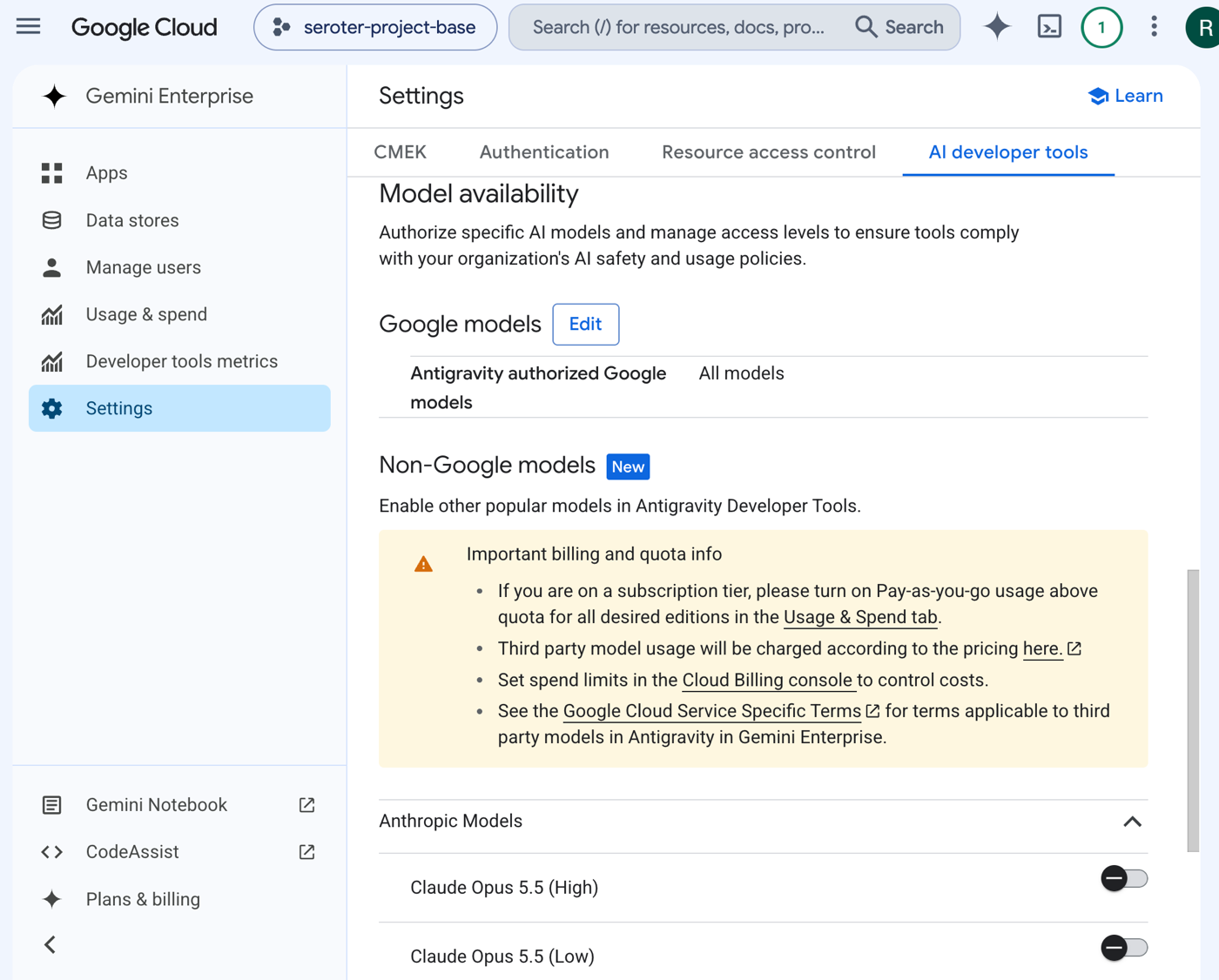
Multi-vendor frontier model governance. Gemini Enterprise admins can enable (or disable) developer access to frontier models from Anthropic and Google. All this on one bill, with the same Google Cloud Terms of Service and IAM perimeter.
Pooled quotas with per-user caps. The individual user quota is pooled together so that the whole team can tap into it. But we’ve also got controls to prevent one user from chewing it all up.
Granular harness, browser, MCP and plugin guardrails. Set up policies to centrally govern MCP server allowlists, plugin/marketplace access, browser rules, and more.
Gaps that remain
None of these AI developer products are “done” and we have room to improve ourselves. Many of these items are present in other products, and our Antigravity team is going to keep quickly closing gaps while adding novel features.
OS-level desktop computer use. Claude Desktop, Codex Desktop, GitHub Copilot App all work with more than sandboxed browser tabs.
Autonomous PR merge and inbound chatops triggers. Antigravity doesn’t have the autonomous PR closure like Copilot’s “Agent Merge” and lacks the @ mentions cloud triggers inside Slack, Teams, or Jira threads.
Ambient memory. Memory remains manual (/learn triggers reflection) versus nightly auto-consolidation (like Devin’s dreaming).
Take it for a spin
Google Antigravity is faster, more usable, with better functionality, and backed by better models than ever before. It’s genuinely fun to use for coding, research, content creation, and tons of other tech and non-tech use cases.


Leave a Reply