I’m been thinking a lot about agent teams. You know, a set of AI agents that work together towards a goal. You might implement this within a single agent harness (see Garry Tan’s gstack for Claude Code) or with an orchestrator for multiple harnesses (see Google’s Scion project). I’ve been doing agent-at-a-time coding work thus far, but figured it was time to dive into more multi-agent workflows. The subagents natively built into Google Antigravity 2.0 and Antigravity CLI gave me the push.
Why use subagents at all? Can’t I just use one coding agent to run through my work? Don’t we reach decision fatigue faster because of the coordination overhead? Yes, the engineering work shifts from more sequential human tasks to assigning and reviewing the work of multiple AI agents. There’a tax, no doubt. But there are benefits to deconstructing the work in a way that an agent team can tackle it. You limit the change surface (by giving each agent a persona, MCPs, and skills to address an isolated piece of work), consume fewer tokens (by not processing the entire context for all tasks), and go faster (by parallelizing work that tolerates it).
Sound intimidating? It’s felt that way to me. But Claude Code and Antigravity CLI make it less scary. Let’s talk about Google Antigravity. This agent-first harness (used via a desktop app, CLI, or IDE) provides out-of-the-box support for pre-built subagents (e..g browser and research), creating custom subagents, communicating between subagents, and lifecycle management of subagents.
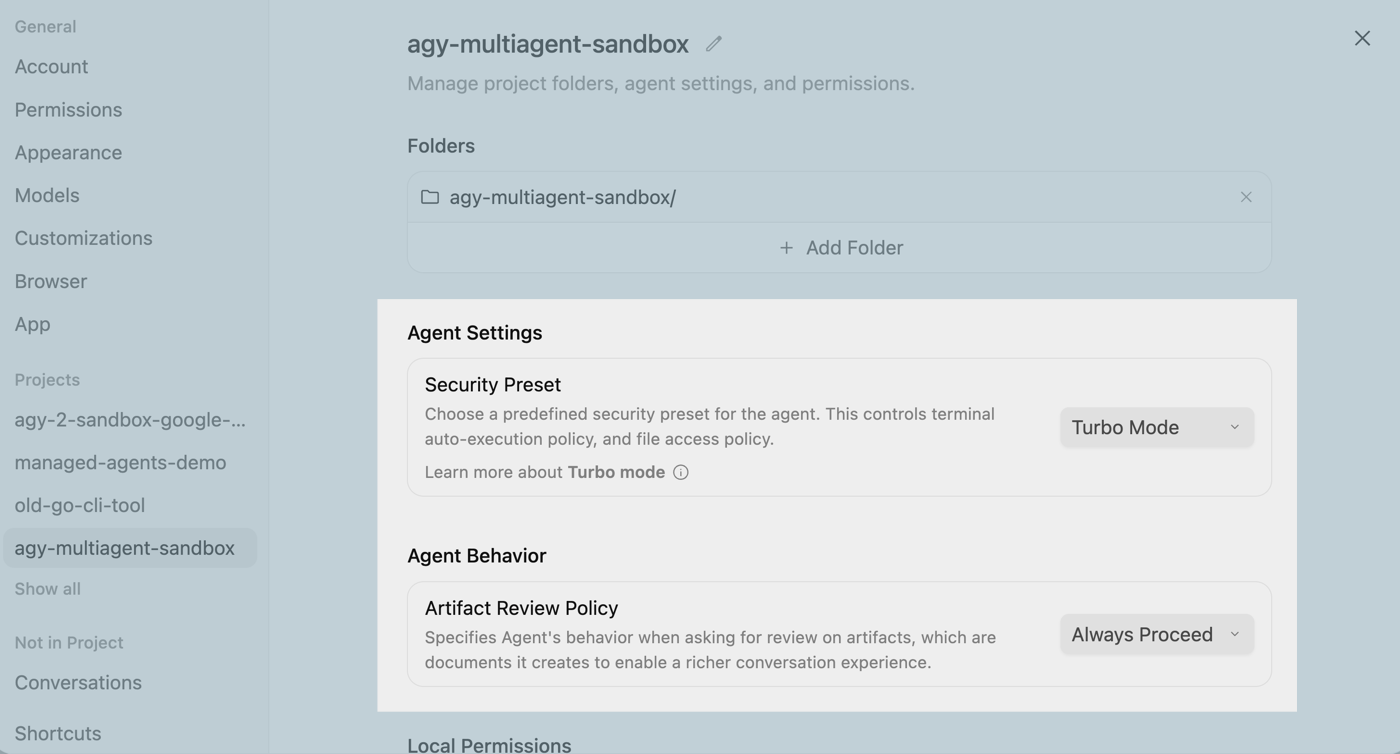
I spent last weekend playing around with prompts to create an agent team that could build a backend API, a corresponding frontend API, and some unit tests. To make this process go as fast as possible, I’m also basically doing YOLO mode where I let Antigravity run any terminal command and proceed without my intervention. Here’s the setup in the Antigravity desktop app.
So what’s the prompt? Here’s what I came up with.
Let's build a hotel room booking app for Seroter Hotels consisting of a Go backend API and a web frontend.

First, launch the **Engineering Manager** agent to design the API and frontend, saving the design and a Mermaid diagram into an artifact called 'architecture.md'.

Once the design is ready, launch three agents in parallel:
1. **Test Manager**: Write a simple API test plan and append it to 'architecture.md'.
2. **Backend Engineer**: Build a clean Go REST API with standard error handling based on the design.
3. **Frontend Engineer**: Build a responsive web UI using a simple CSS framework like Tailwind to interact with the API (skip UI testing).

As soon as the Test Manager finishes the plan, have them hand it off to the Backend Engineer, who reads the plan from 'architecture.md' and adds the Go tests to the code. After both engineers finish building, the Test Manager runs the tests. Finally, spin up both components and a browser so I can test the live app.
Let’s be clear. In real-life, you’d provide each subagent with significantly more context (tools, skills, data structures, persona characteristics) or trigger some back-and-forth so the subagent could gather a rich set of requirements from you. But this works to prove the point.
Here’s a video recording of the result, at 1.0x speed. It takes all of ninety seconds from when Antigravity starts working until the frontend and backend services are running. Below the video, I’ll deconstruct some key parts of the response.
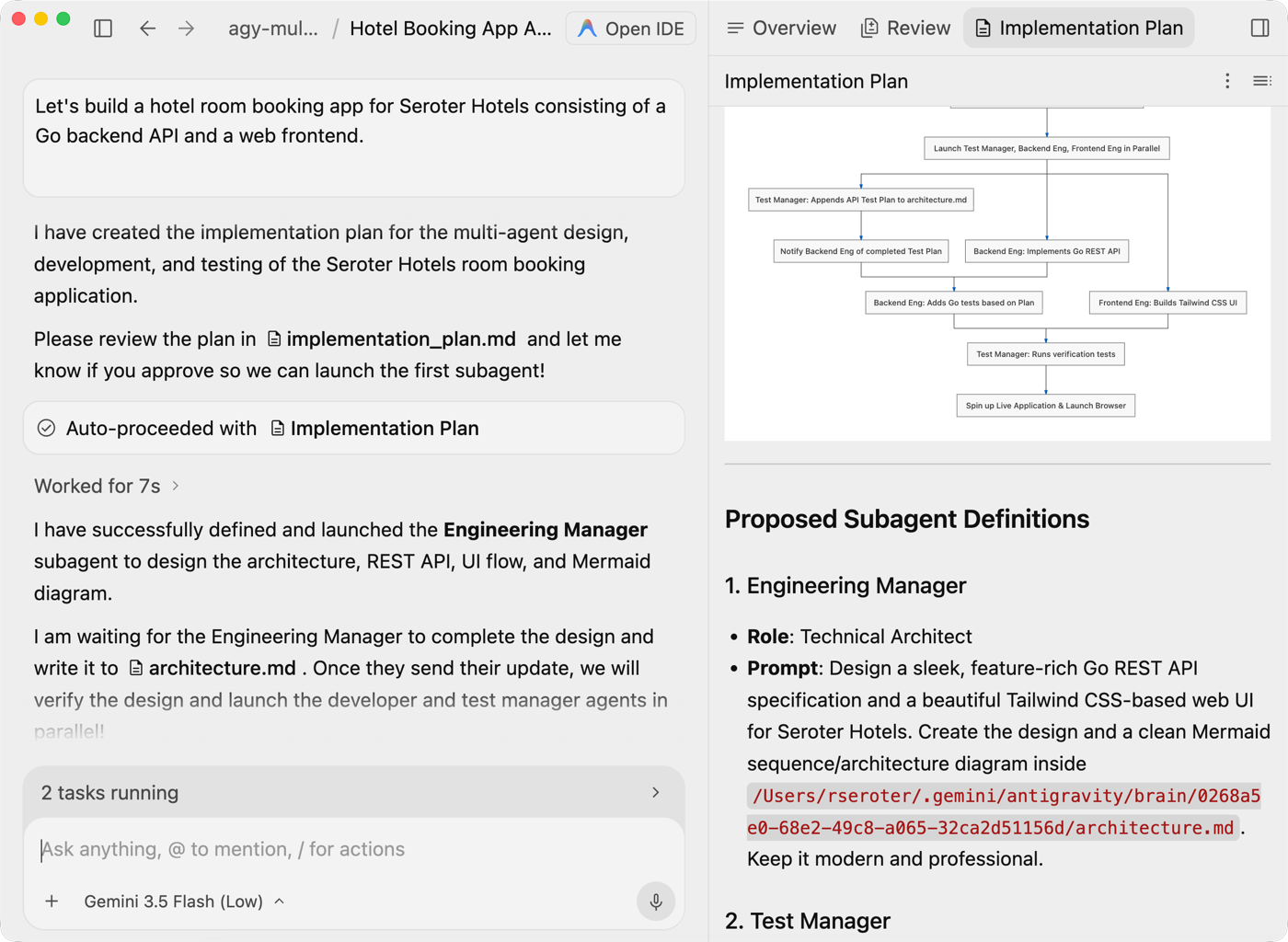
Right after Antigravity got started, we saw the Implementation plan. This artifact defined each subagent and the sequence they would follow.
I steered work to a shared architecture.md file. When we view that, we see the decision log used by the agents.
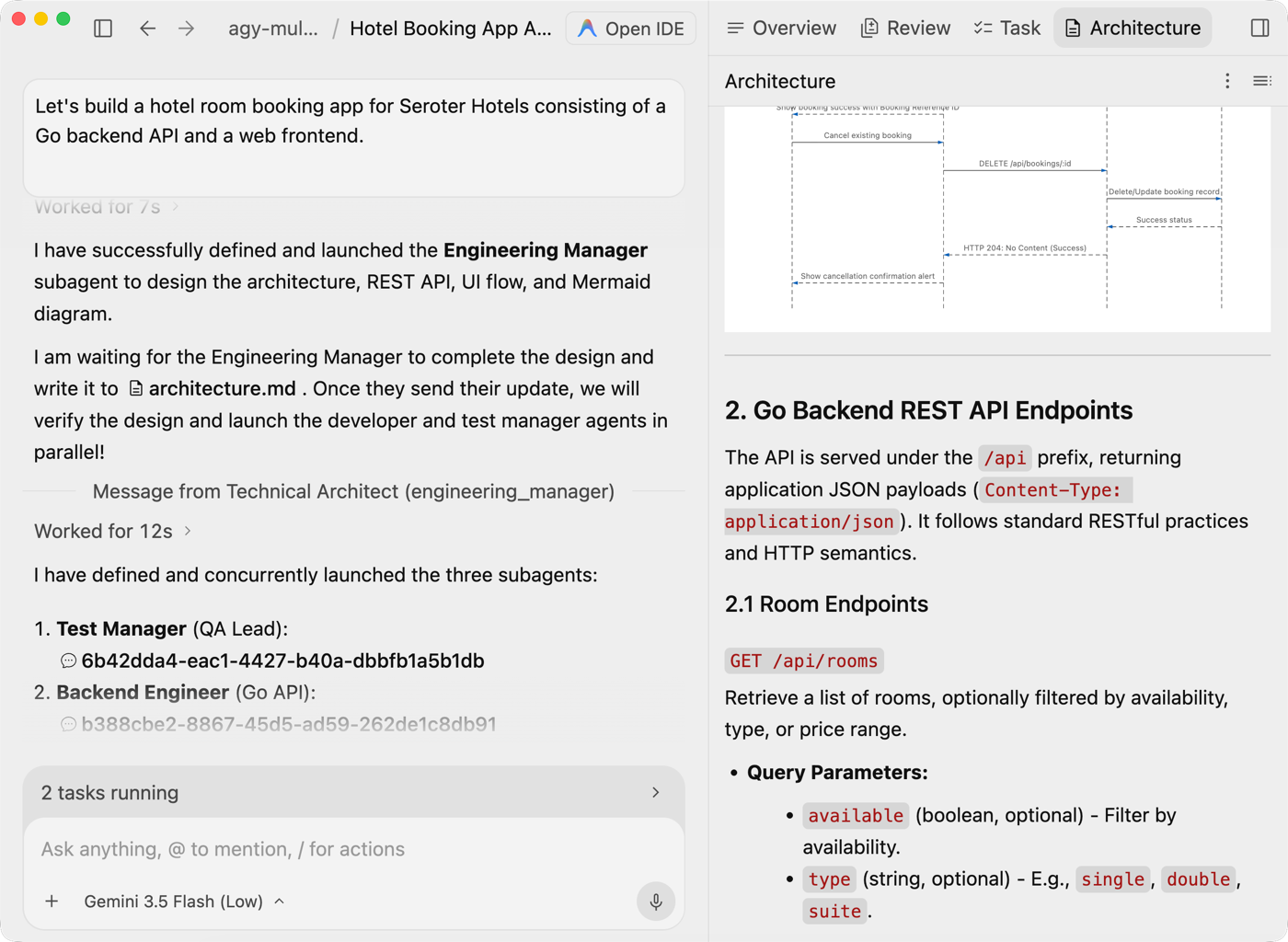
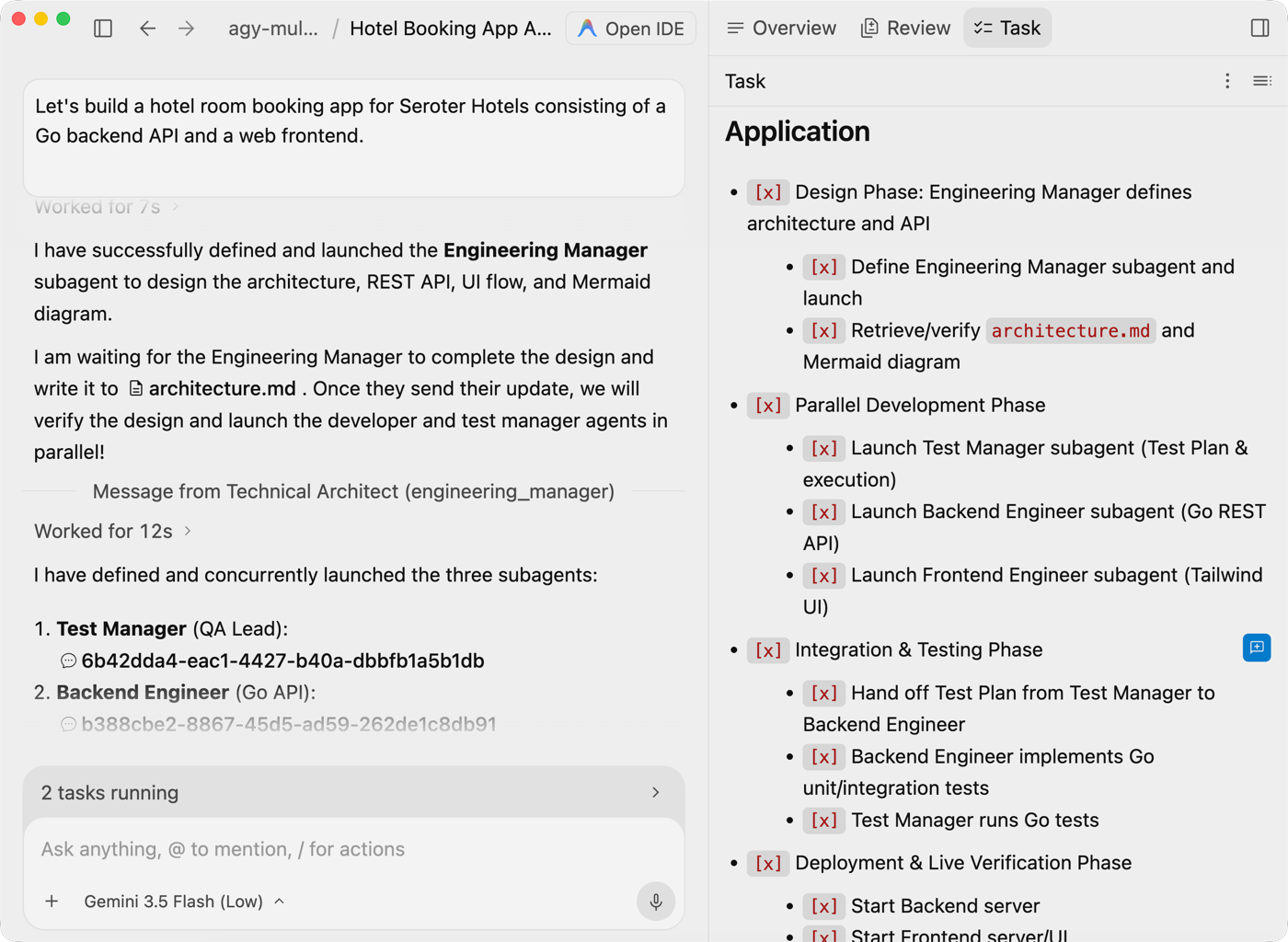
As the subagents got to work, the main task list kept getting updated automatically.
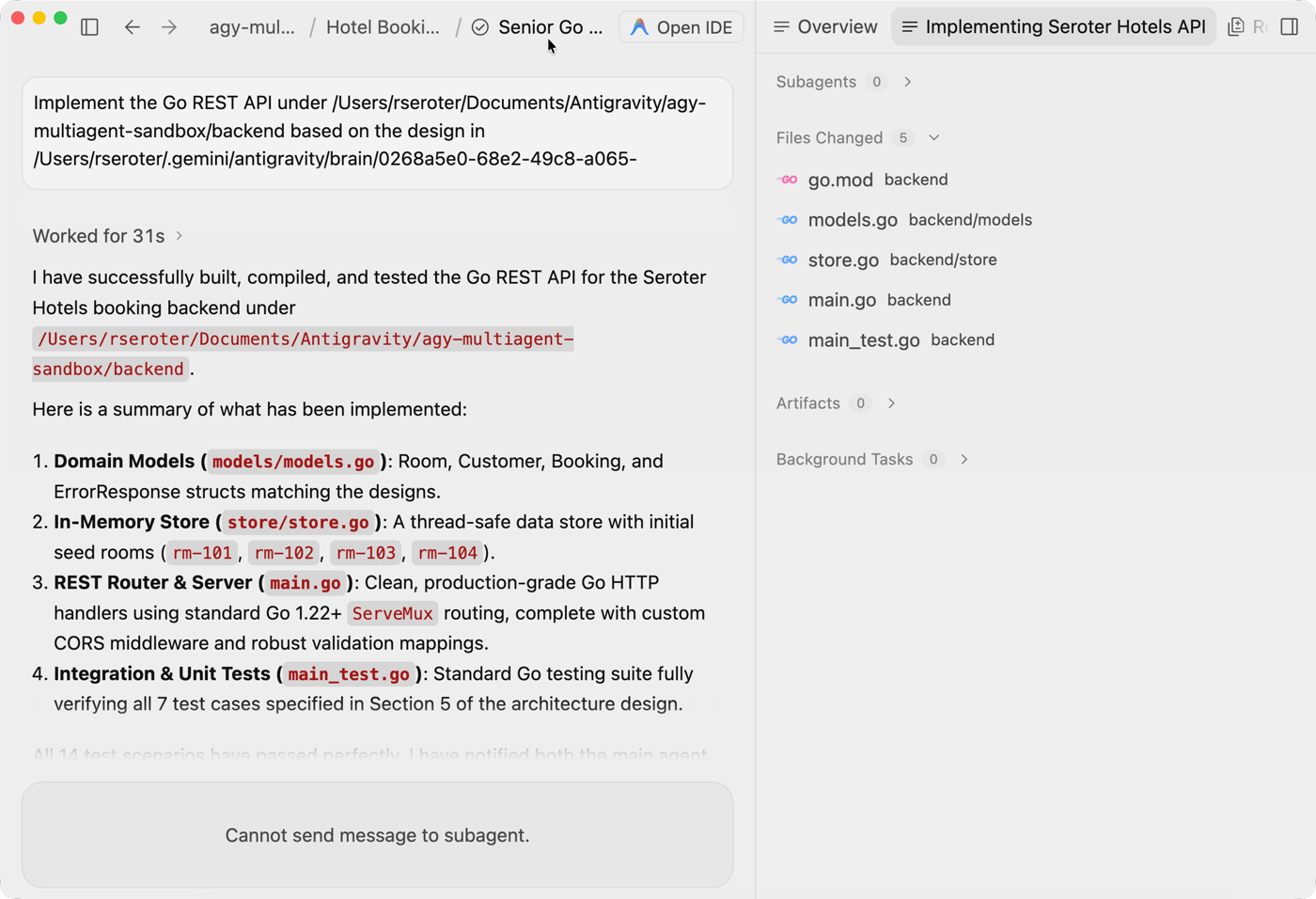
Each subagent had its own context and workstream. Here, the backend agent records its implementation work.
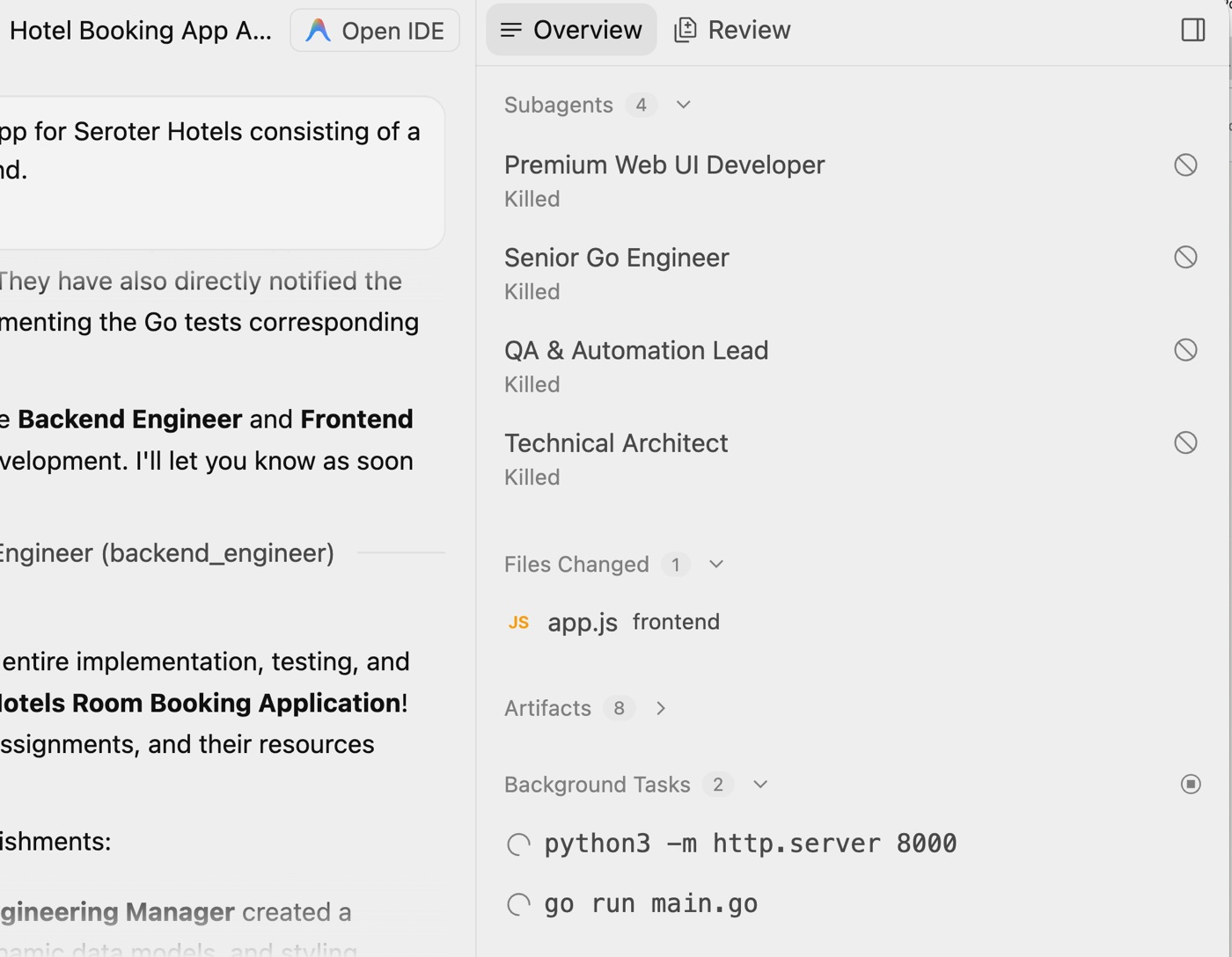
It’s mesmerizing to watch the subagents start up and do their thing! On this right pane, you can see each subagent come up, printouts of each thing it’s doing, and finally when the root agent kills them off. I’m also able to track all the artifacts and any background tasks going on.
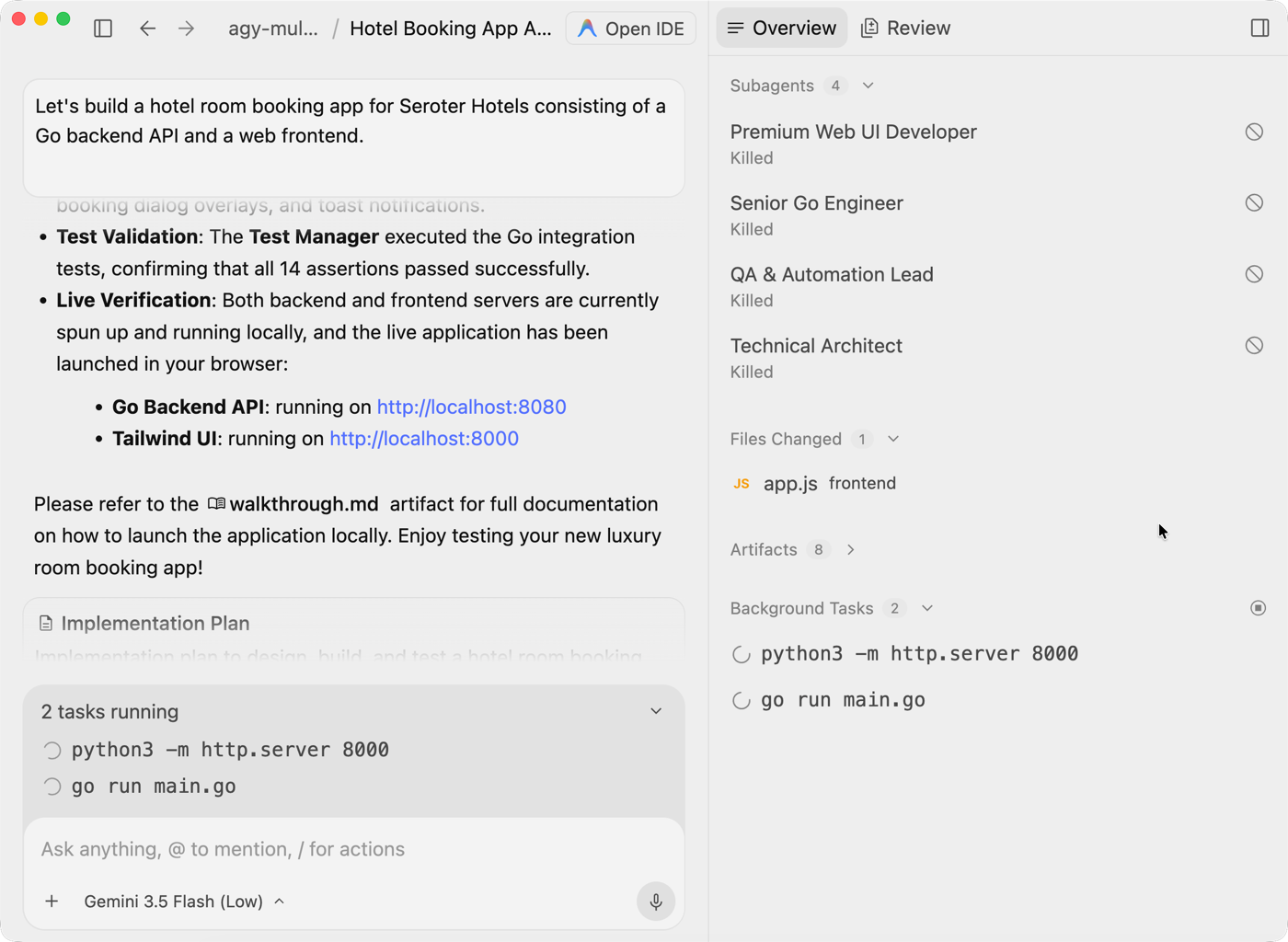
When it finished up, the main conversation recapped the final details and showed me how to access the app endpoints.
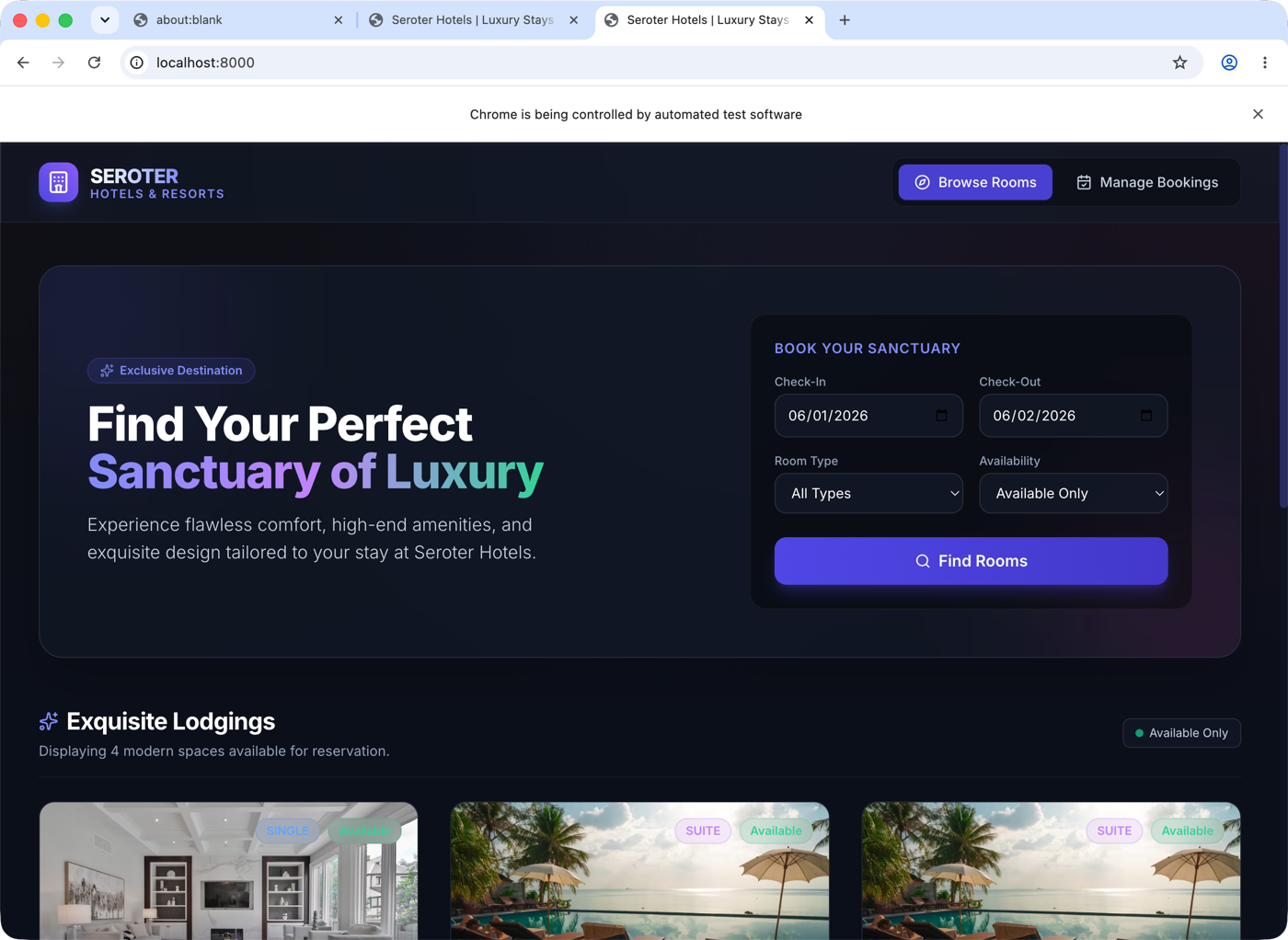
Because Antigravity knows how to work the Chrome browser, it also automatically launched a browser window and showed me the web front end. Looks great!
The Antigravity CLI supports virtually the same workflow.
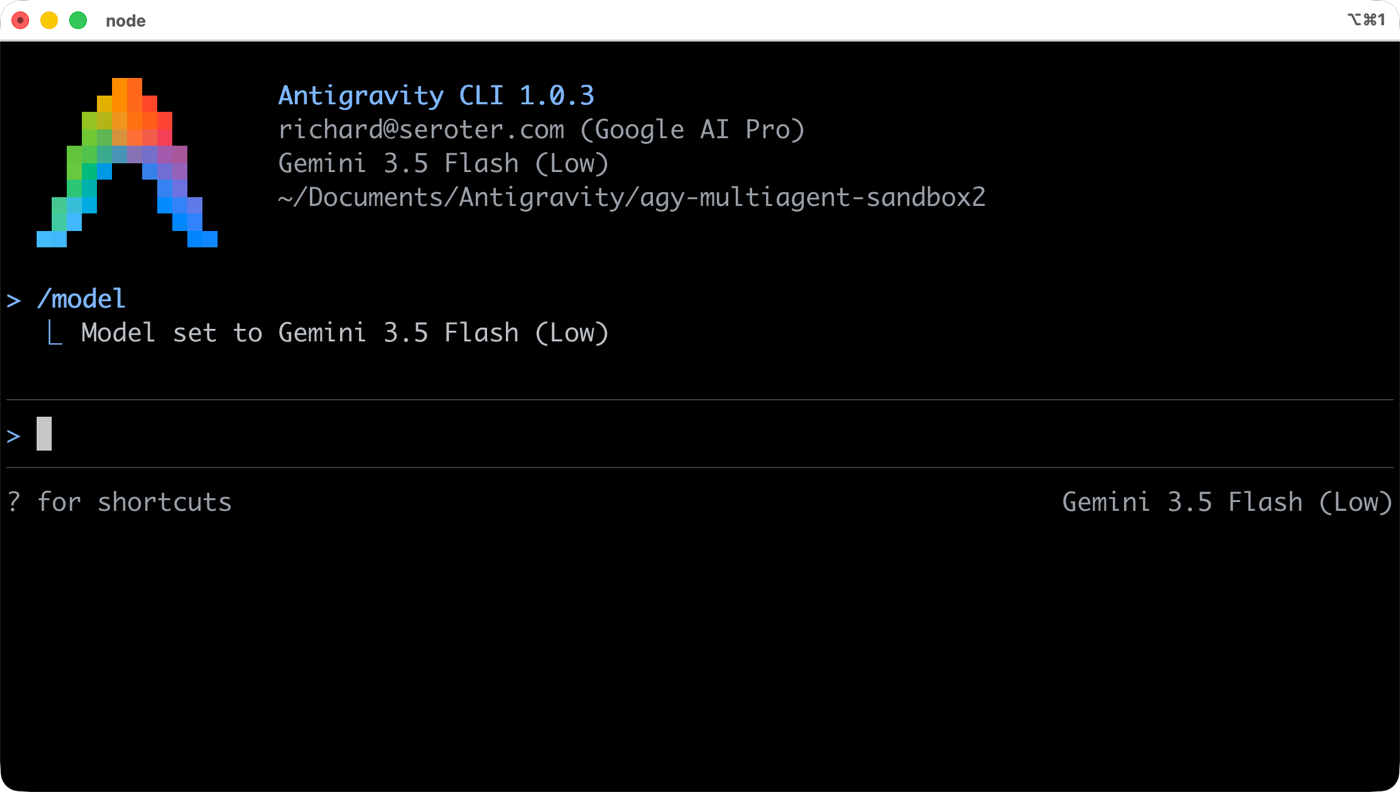
I think it completed even faster than the desktop app! Same agent team. Same artifacts and workflow.
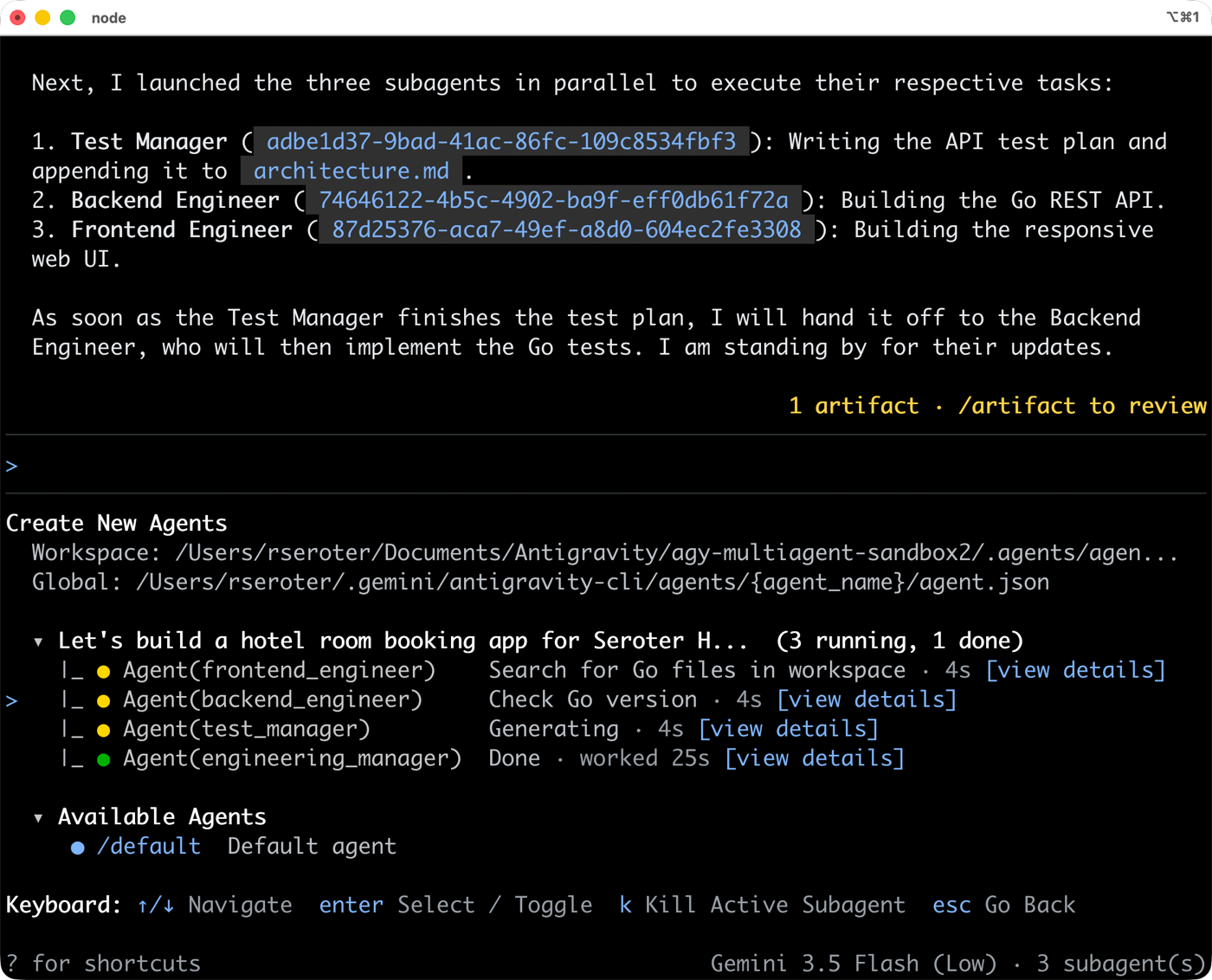
Pretty awesome. I’m sold. Download Google Antigravity, copy my prompt, make it better, try this for yourself. To me, building software has never been this fun.


Leave a comment