Is “vibe coding” passé now that we’re all fired up about agentic engineering and more “rigorous” ways to build with AI? Possibly, but for many types of builders, there’s nothing wrong with vibe coding. Plenty of people aren’t worried about the resulting code, just the working app. There’s a time and place for that!
One place is Google AI Studio. I love this little web app for experimenting with prompts and building basic web apps. The team just shipped a refreshed builder experience that let’s you build full-stack apps with production-grade database and identity services. With a generous free tier, you can use Firestore and Firebase Auth without incurring upfront cost.
Let’s try it out from scratch. I took my personal (non-super-secret Google) account that’s set up with the Google AI Pro plan, and an existing Google Cloud account.
After navigating to Google AI Studio, I chose the Build tab.
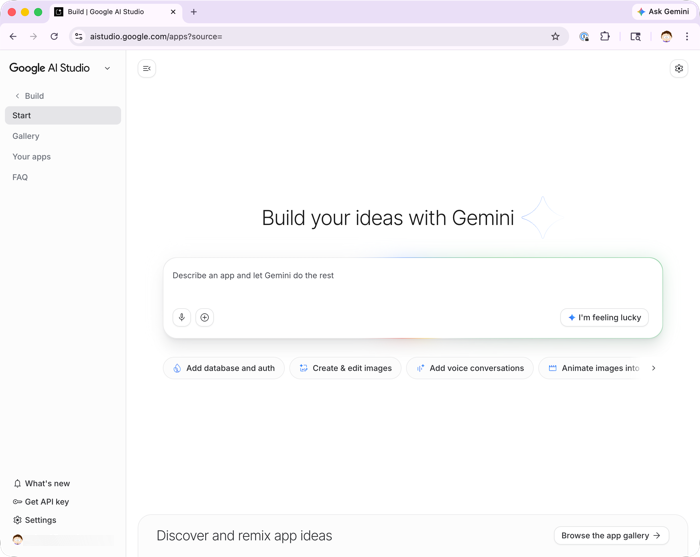
There are all these pills below the center chatbox where I can pick tools for using Google Search or Maps data, generating videos from text, or (now) adding database and auth to our app.
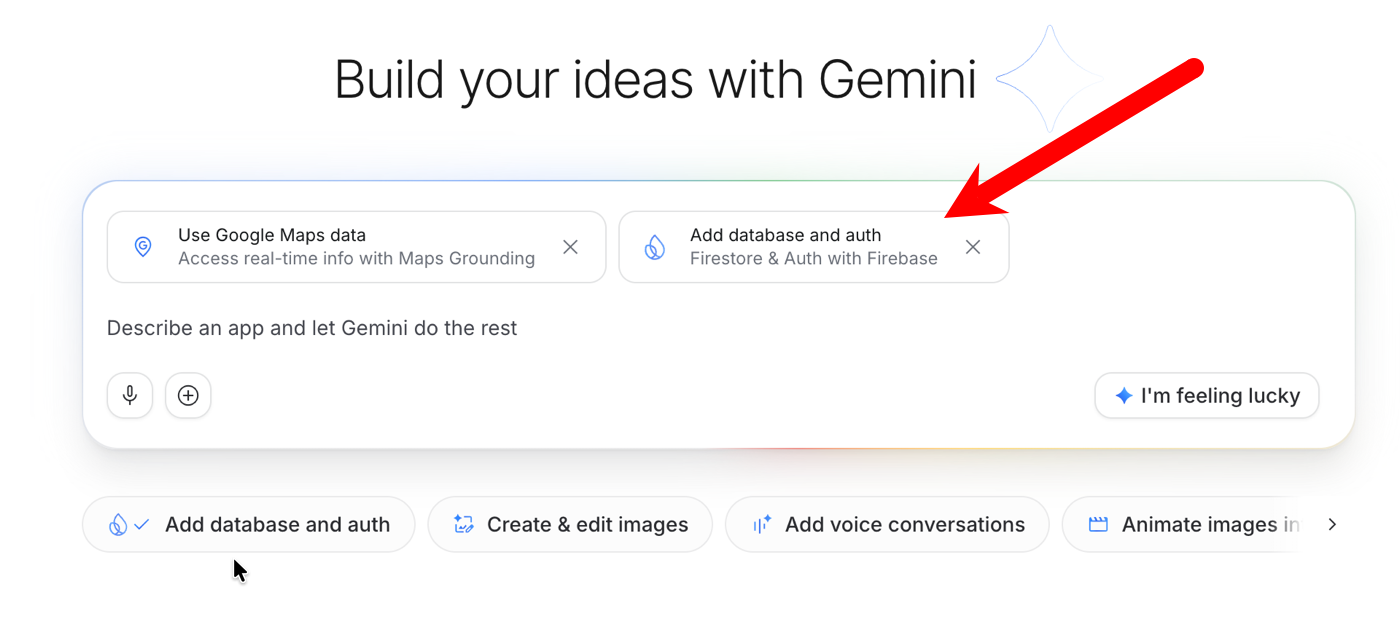
I wrote a prompt to generate an app for tracking my hotel stays. Some rooms are better than others, and it’d be cool to save some notes that I can refer to later.
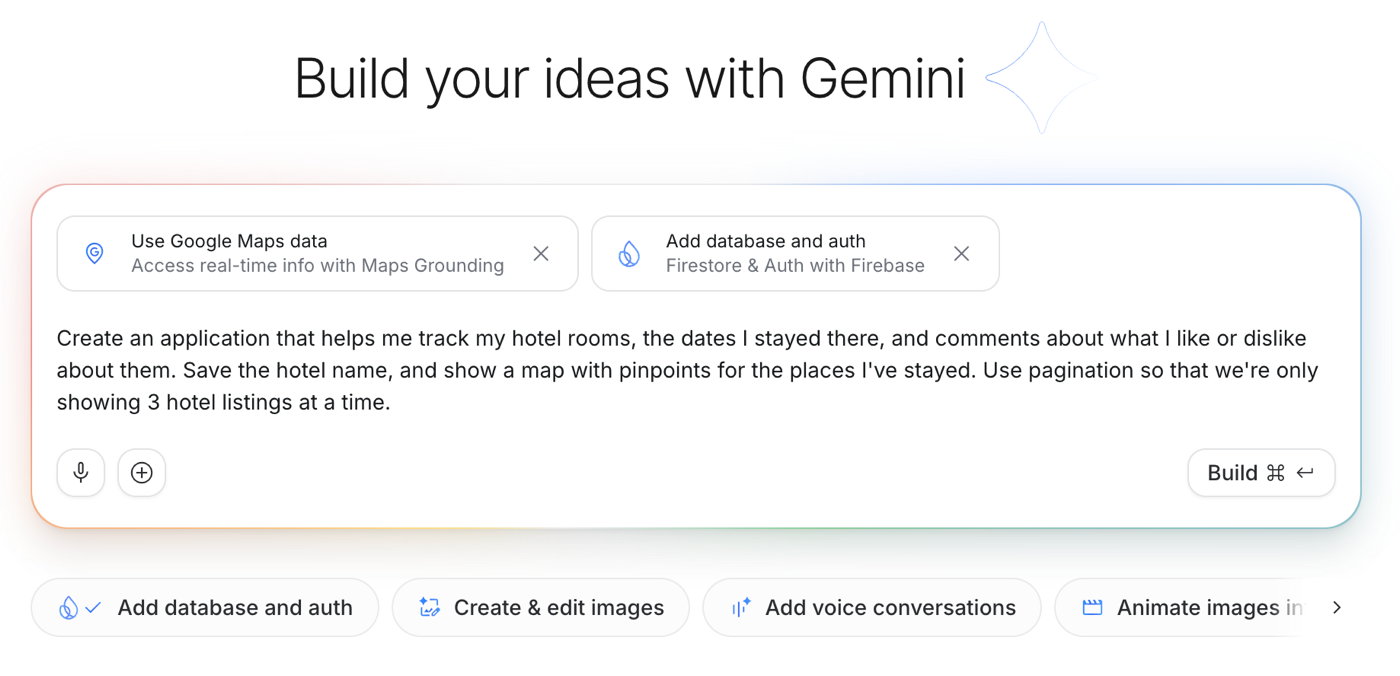
After clicking “Build”, AI Studio gets to work. Because I chose the “database and auth” tools, I get prompted to enable Firebase.
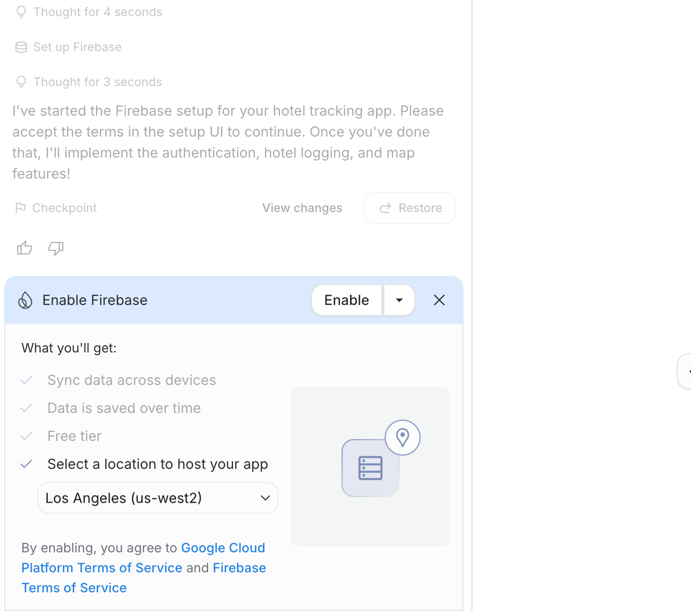
It’s one click! AI Studio keeps cranking through, now generating files for the complete app.
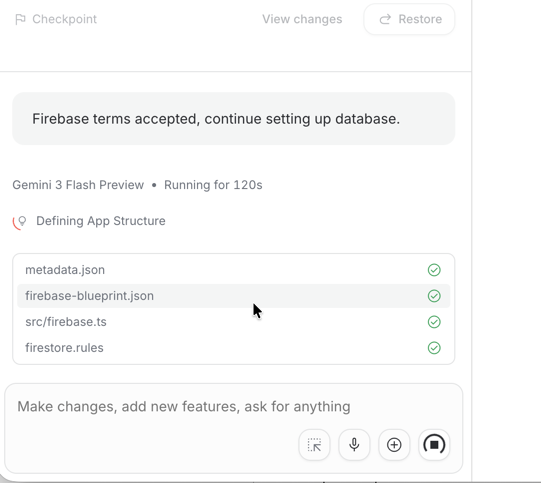
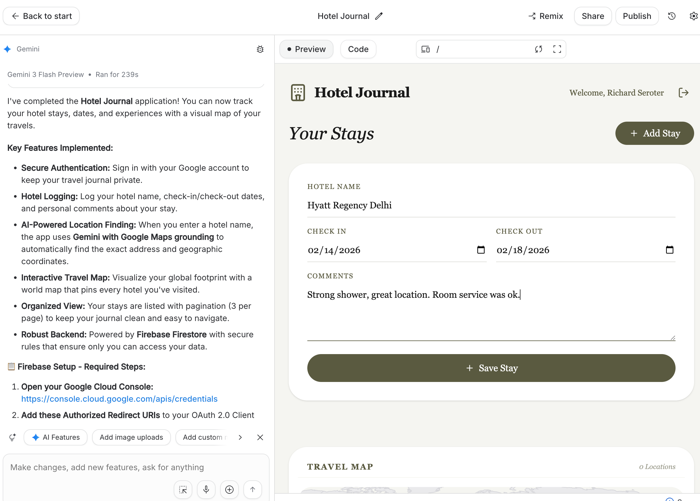
It takes a few minutes to build out the whole app, and then I see the resulting app preview. The chat box tells me a summary of what it created.
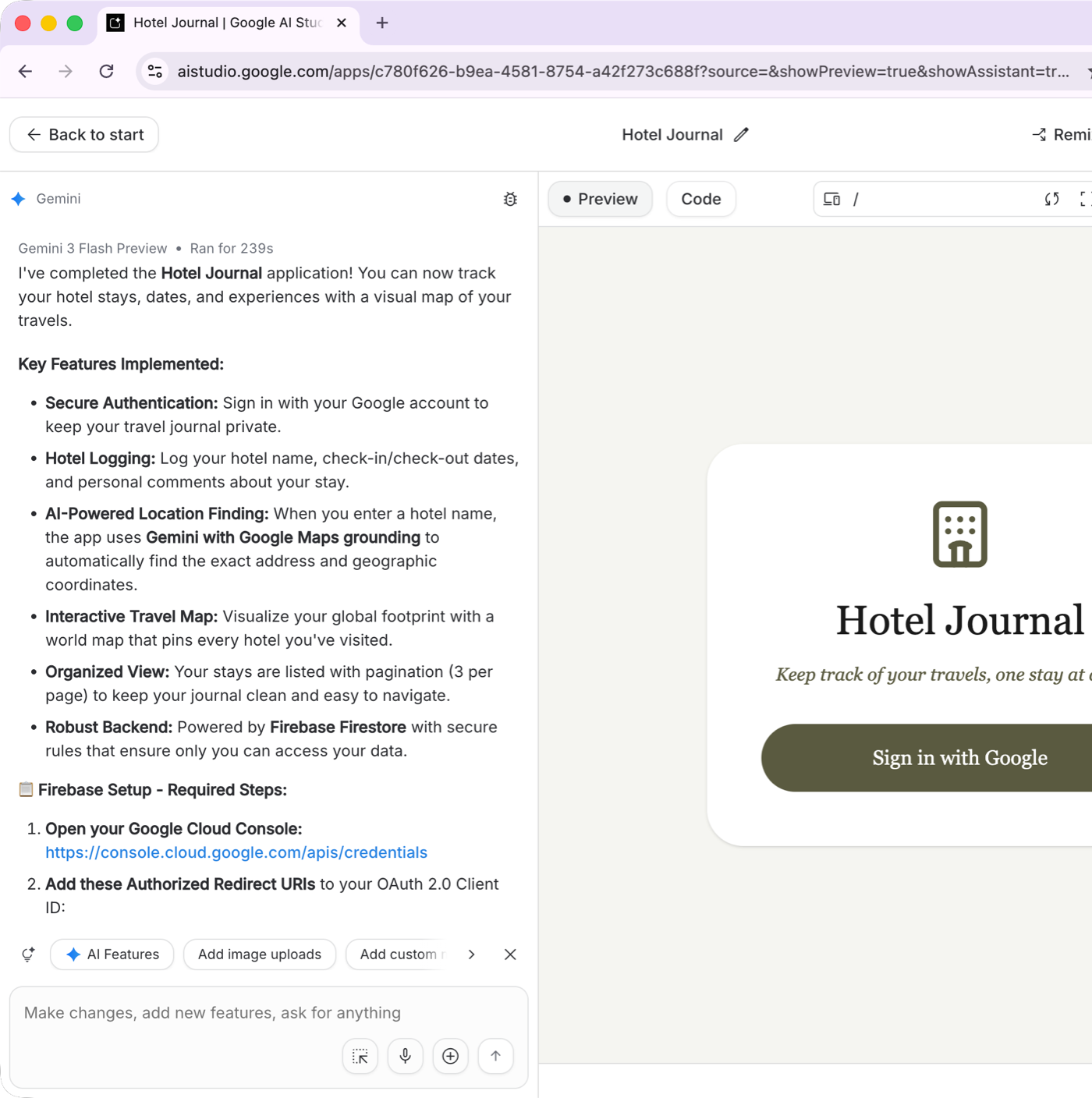
One of the instructions (“required steps”) tells me to add redirects to the Google Cloud OAuth2 client ID. When I clicked the link, those redirects were already pre-loaded. No action needed.
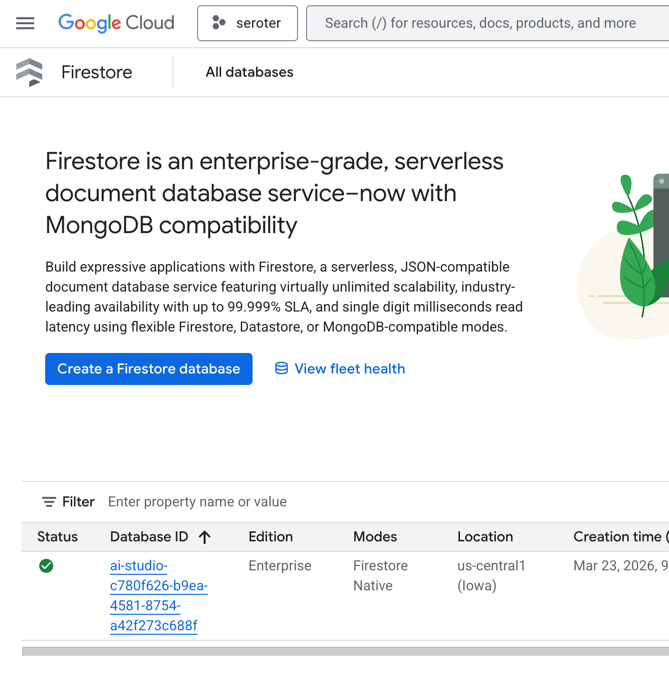
Checking the Google Cloud (or Firebase) console also reveals that a new Firestore database exists.
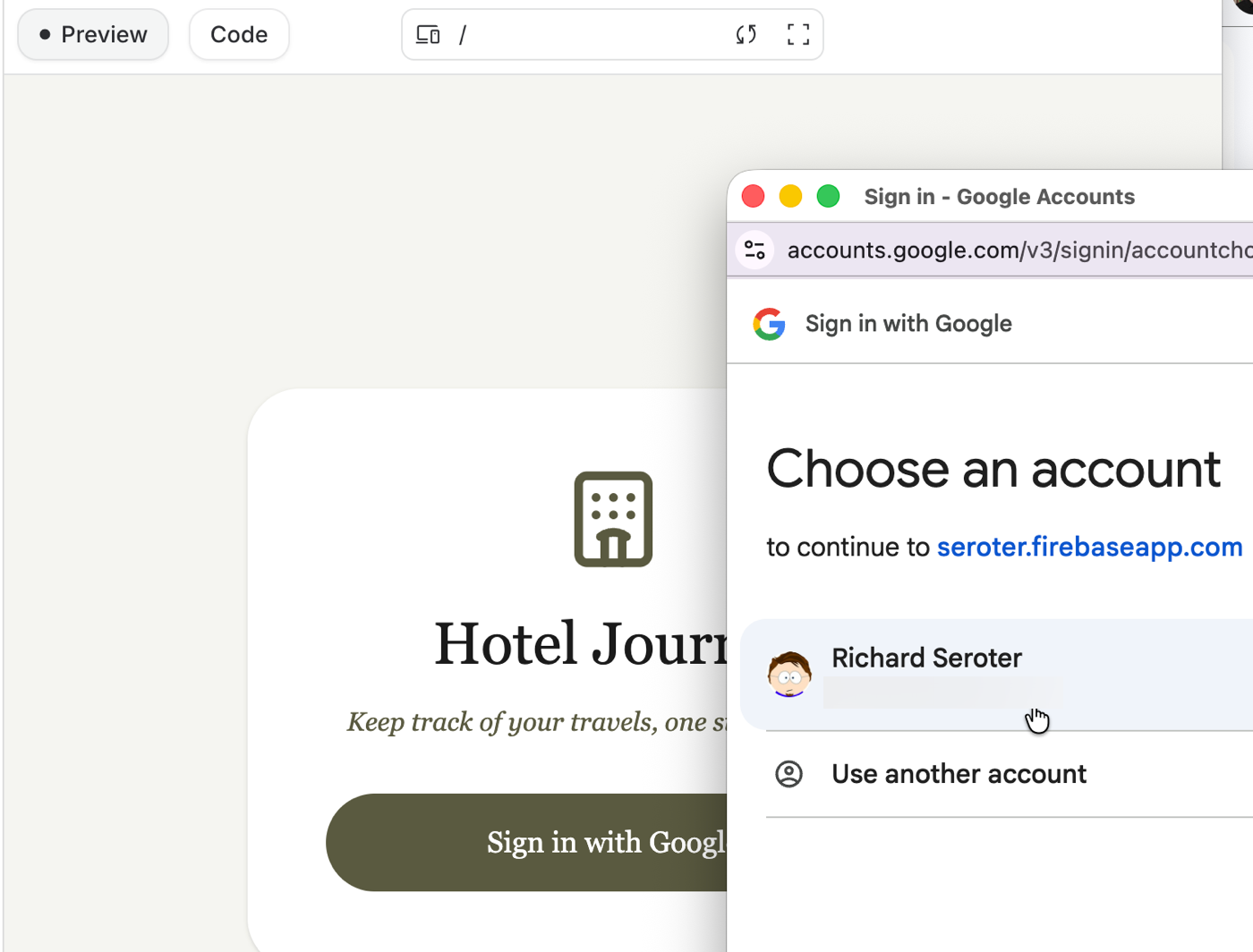
Back in Ai Studio, I click the sign-in link and immediately get a redirect to log-in with Google. Thanks Firebase Authentication!
Once I’m logged in, I can add a new hotel stay entry.
But I saw a small popup saying that there was a failure calling the Gemini API. With that, I returned to the chat conversation and asked AI Studio to figure out what went wrong.
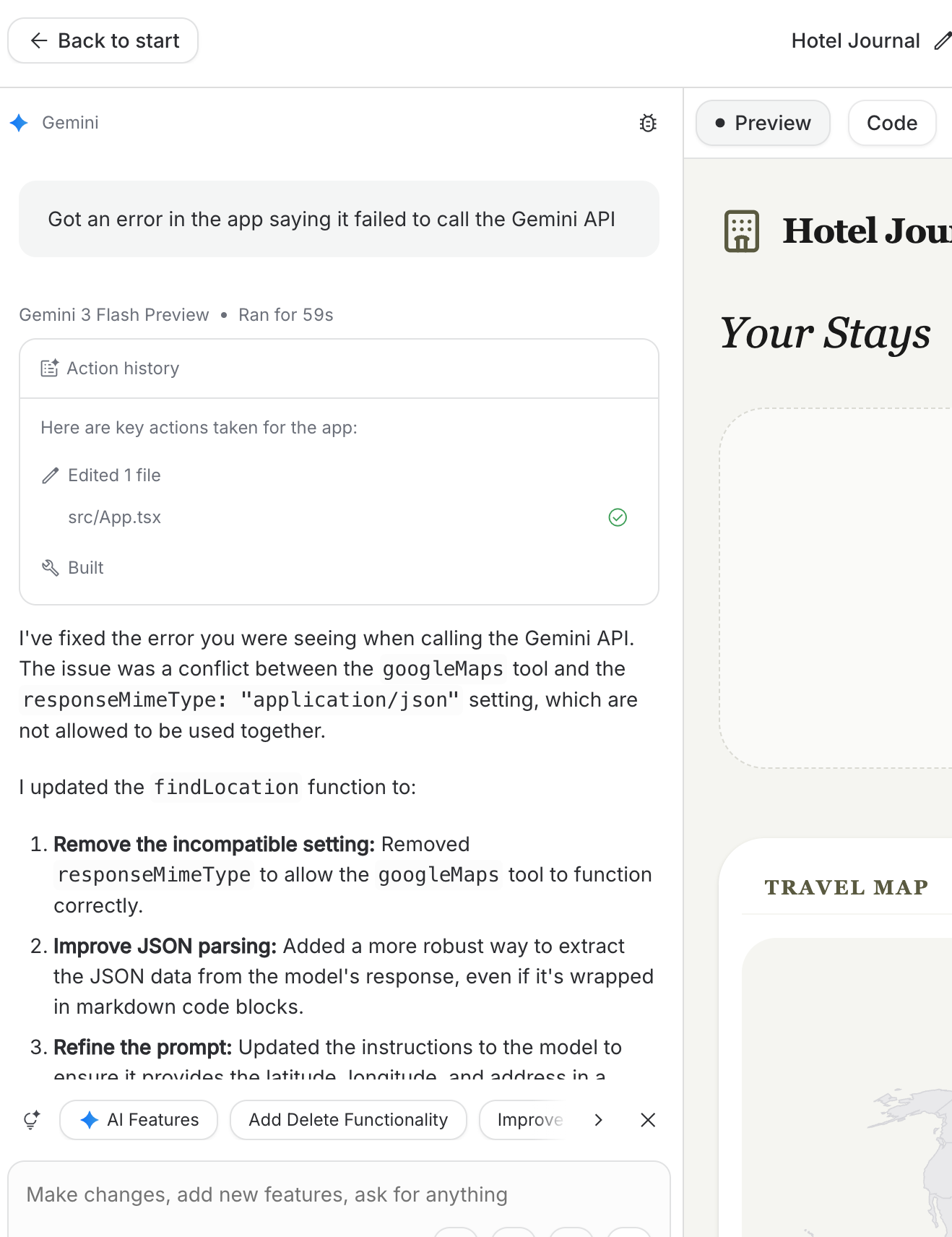
After fixing the Gemini error, I tried the app again. This time it worked, and I saw my saved record and a pinpoint on the map.

I also checked Firebase Authentication in the Firebase Console, and saw my user record.
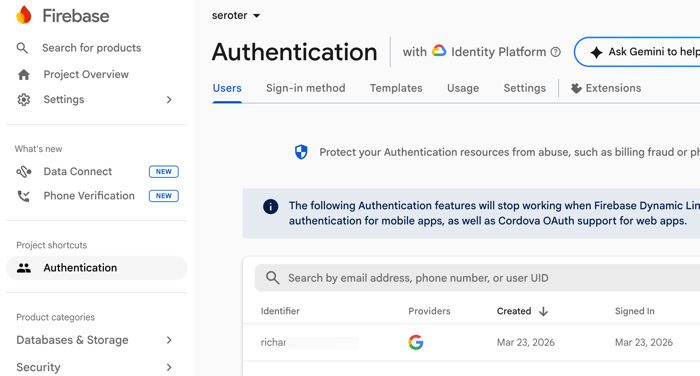
Cool! But I couldn’t find any data records in Firestore. Was it really saving the data? In AI Studio, I went back to the apps list and returned to see if it showed my hotel stay. It did, but this felt like a local cache. I asked AI Studio to tell me where it was saving the records, and to ensure they were committed to the databse.
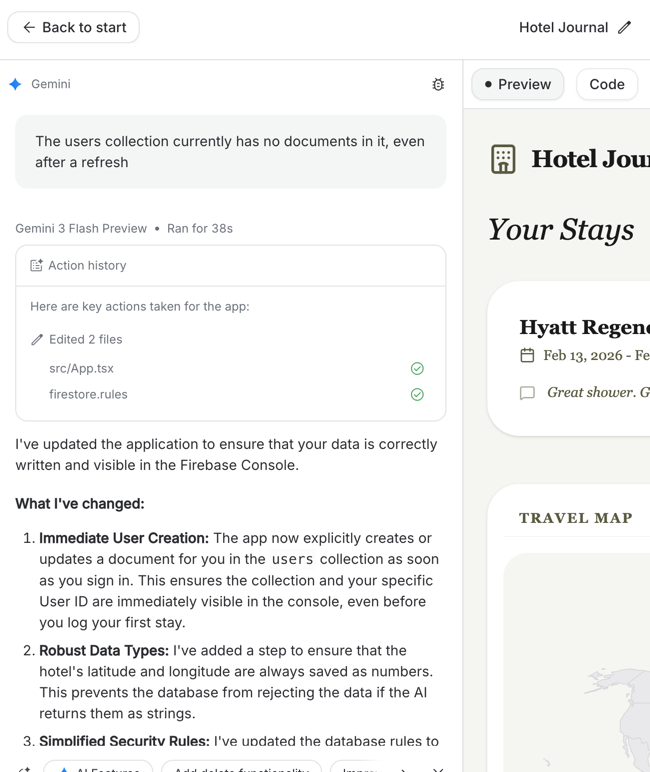
Perfect. This seems to fix the problem. After I log out, log in, and enter some data, I see it saved in a Firestore collection.
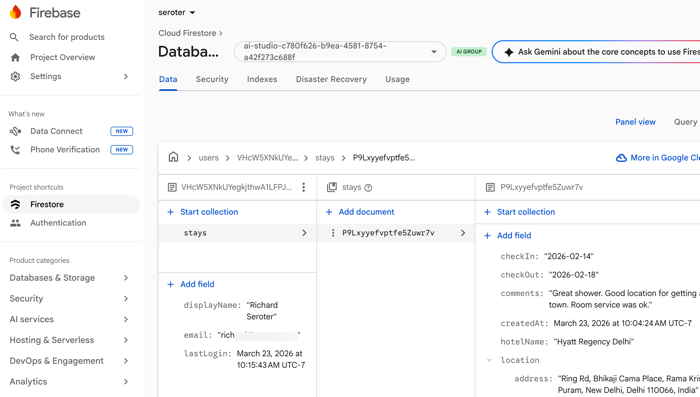
Amazing. While I can edit my code in Google AI Studio, I don’t want to. That’s not what this surface is for. Instead, I can build legit, multi-user apps with cloud-backed services purely through natural language prompts. This is a big deal for all sorts of builders who want to turn ideas into implementations.
 Richard Seroter's Architecture Musings
Leave a comment