We’re only getting started with what you can build with agentic tools. Sure, vibe coding platforms like Lovable make it super simple to develop full-featured web apps. But developers are also building all sorts of software with AI products like Claude Code and Google Antigravity.
Antigravity doesn’t just plan wide-ranging work; it does it too!
Reading that tweet gave me an idea. Could I build out a complex database solution? Not an “app”, but the schema for a multi-tenant SaaS billing system? One that takes advantage of Antigravity’s browser use, builder tools, and CLI support?
Yes, yes I can. I took a single prompt to flex some of the best parts of this product, and, to generate an outcome in minutes that would have taken me hours or days to get right.
I started by opening an empty folder in Antigravity.
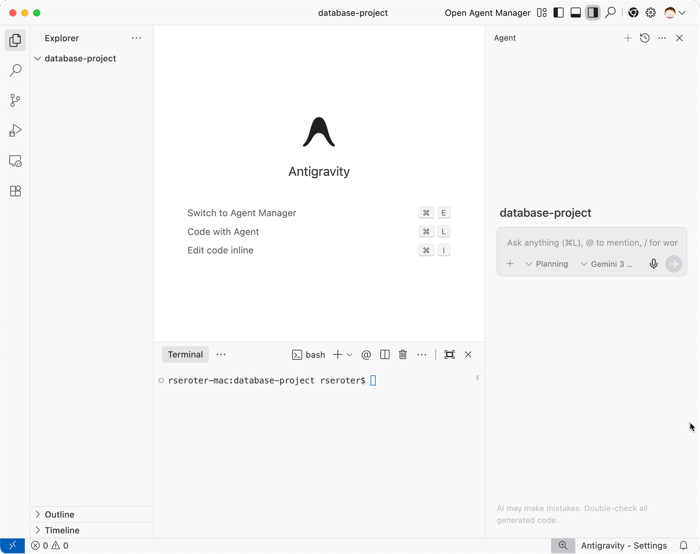
Here’s my prompt that took advantage of Antigravity’s unique surfaces:
I want to architect a professional-grade PostgreSQL schema for a multi-tenant SaaS billing system (think Stripe-lite).

Phase 1: Research & Best Practices
Use the Antigravity Browser to research modern best practices for SaaS subscription modeling, focusing specifically on 'point-in-time' billing, handling plan upgrades/downgrades, and PostgreSQL indexing strategies for multi-tenant performance. Summarize your findings in a Research Artifact.

Phase 2: Schema Design
Based on the research, generate a multi-file SQL project in the /schema directory. Include DDL for tables, constraints, and optimized indexes. Ensure you account for data isolation between tenants.

Phase 3: Verification & Load Testing
Once the scripts are ready, use the Terminal to spin up a local PostgreSQL database. Apply the scripts and then write a Python script to generate 100 rows of synthetic billing data to verify the indexing strategy.

Requirements:
Start by providing a high-level Implementation Plan and Task List.
Wait for my approval before moving between phases.
Note that I’m using Antigravity’s “planning” mode (versus Fast action-oriented mode) and Gemini 3 Flash.
A few seconds after feeding that prompt into Antigravity, I got two artifacts to review. The first is a high-level task list.
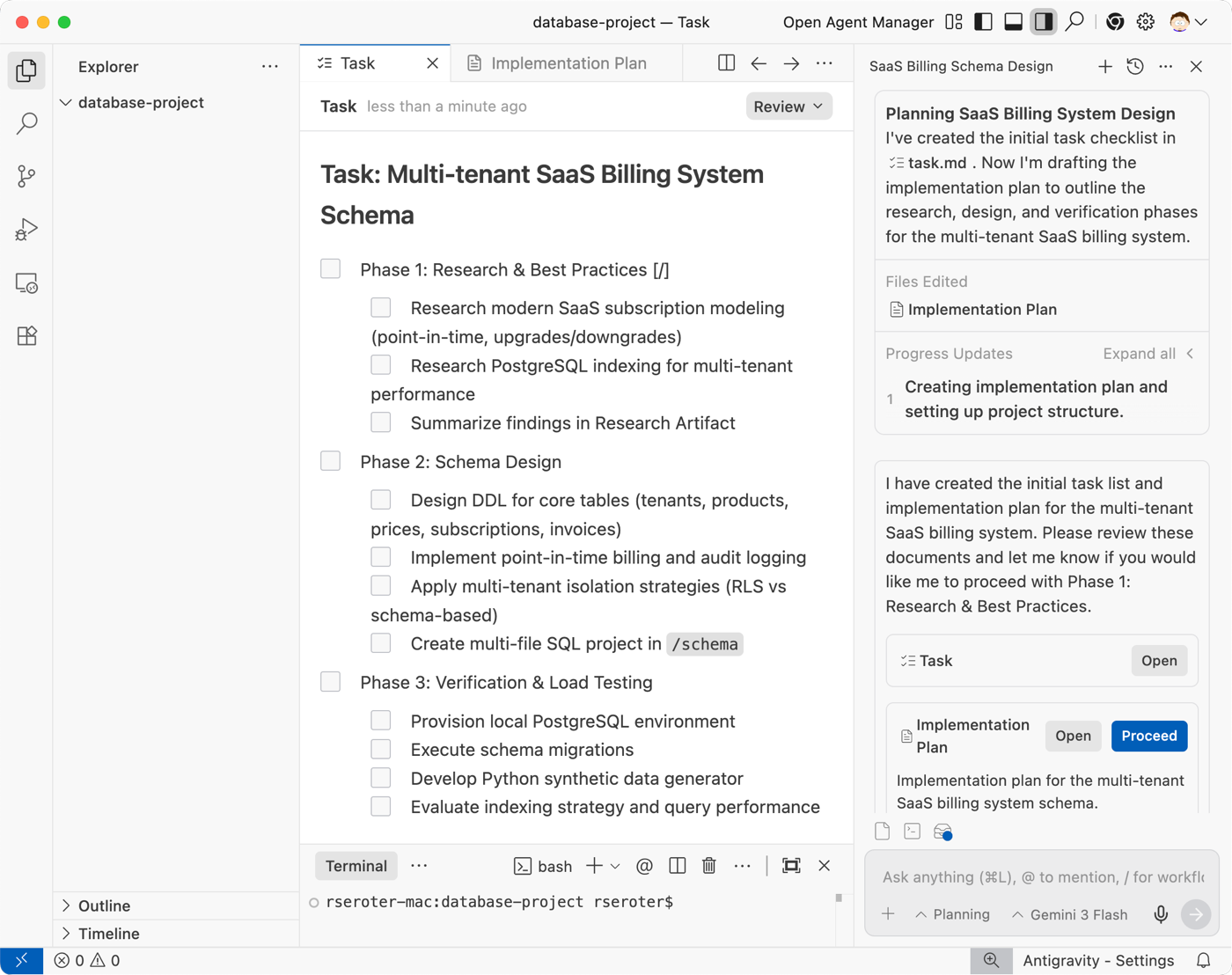
I also got an implementation plan. This listed objectives and steps for each phase of work. It also called out a verification approach. As you can see in the screenshot, I can comment on any step and refine the tasks or overall plan at any time.

I chose to proceed and let the agent get to work on phase 1. This was awesome to watch. Antigravity spun up a Chrome browser and began to quickly run Google searches and “read” the results.
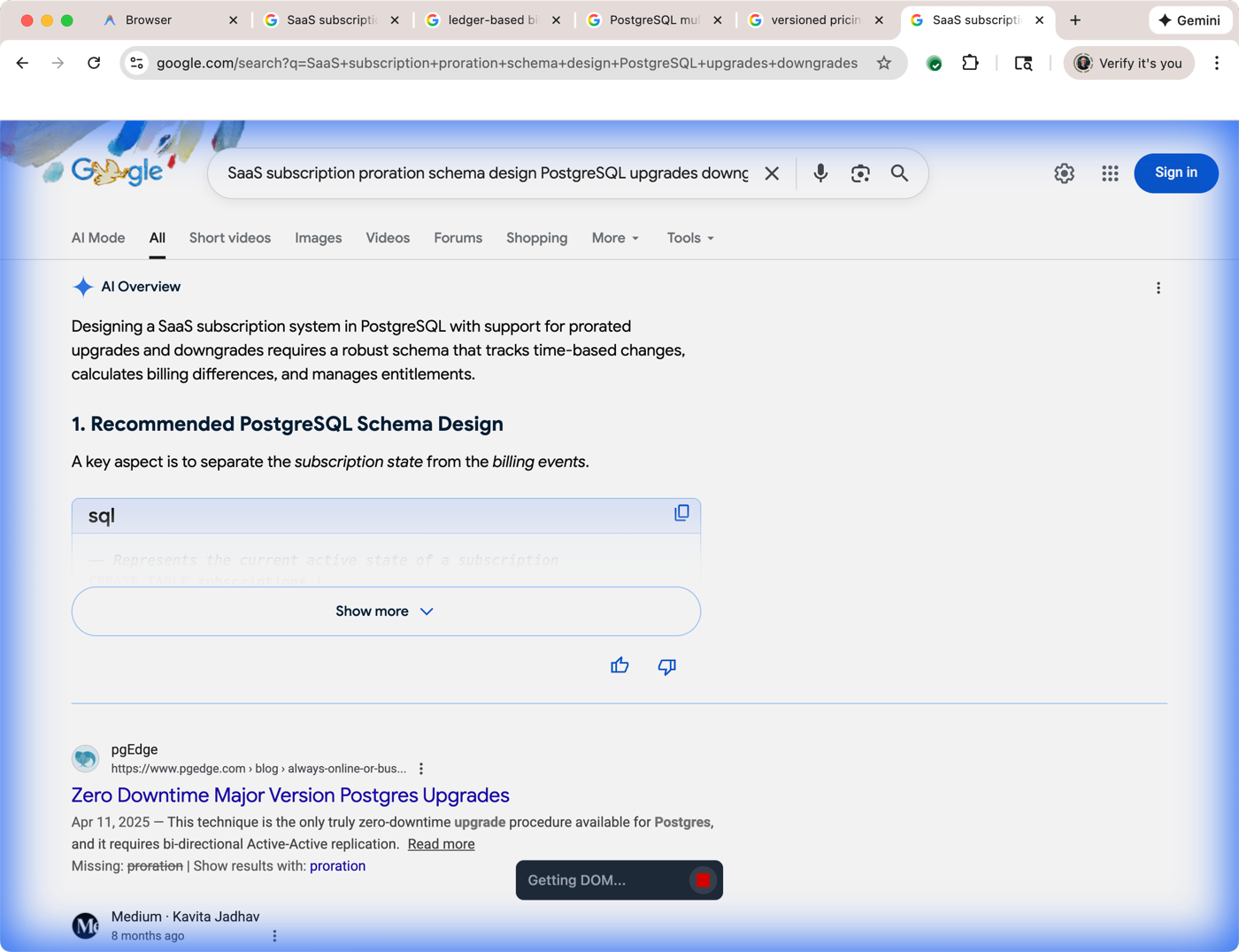
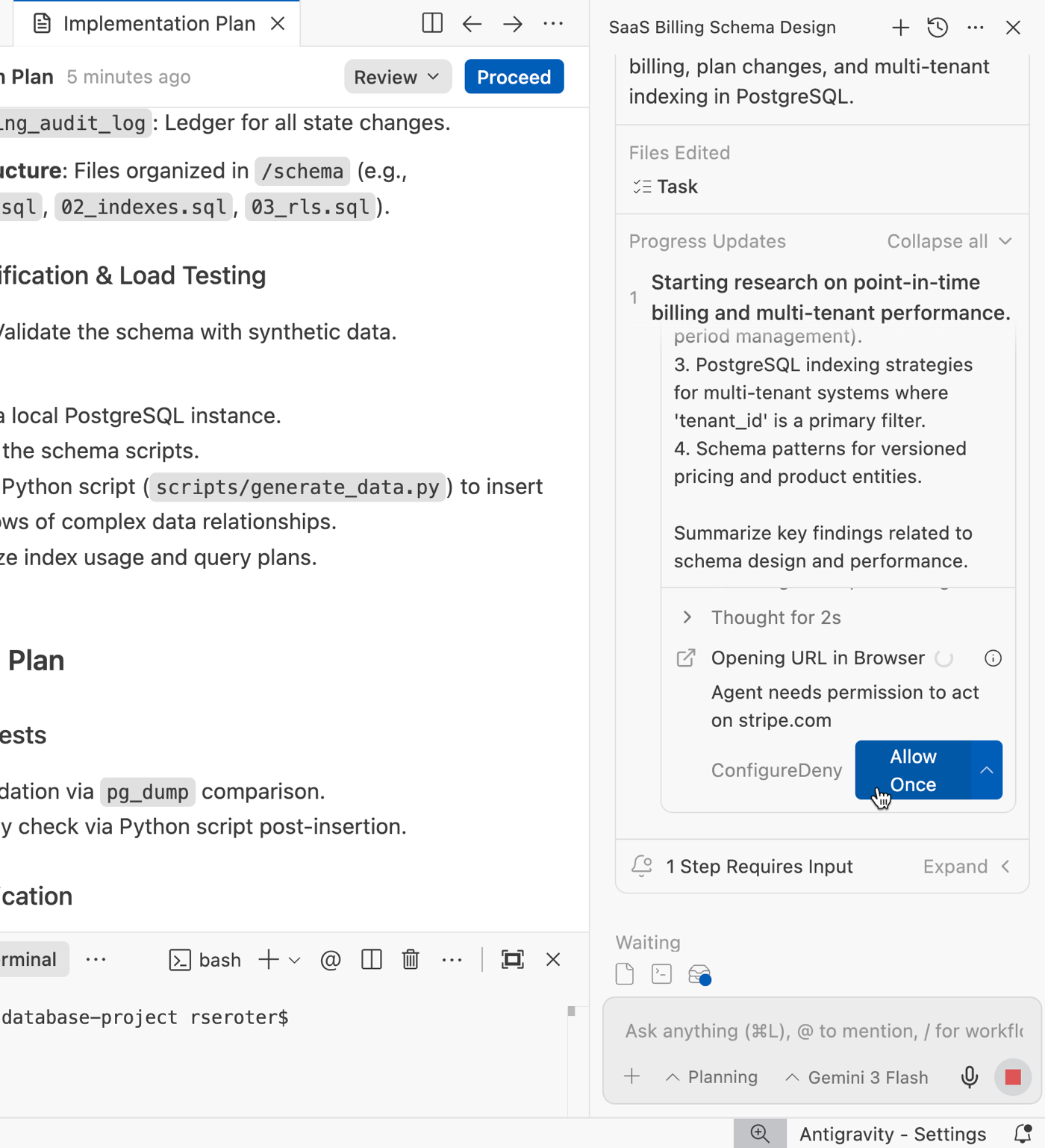
Once it decided which links it wanted to follow, Antigravity asked me for permission to navigate to specific web pages that provided more information on SaaS billing schemas.
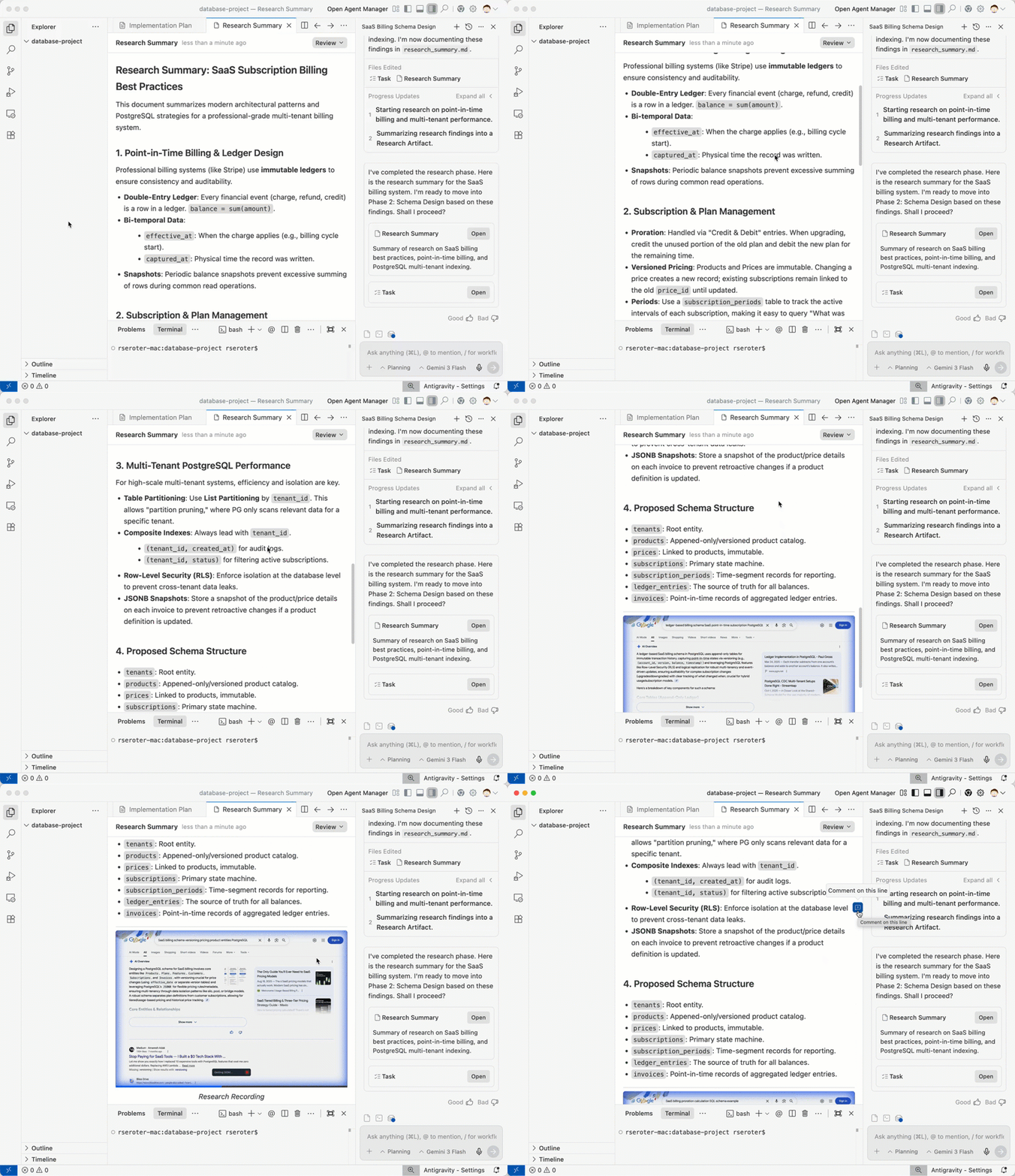
When the research phase finished, I had a research summary that summarized the architecture, patterns, and details that represented our solution. It also embedded a video overview of the agent’s search process. I never had this paper trail when I build software manually!
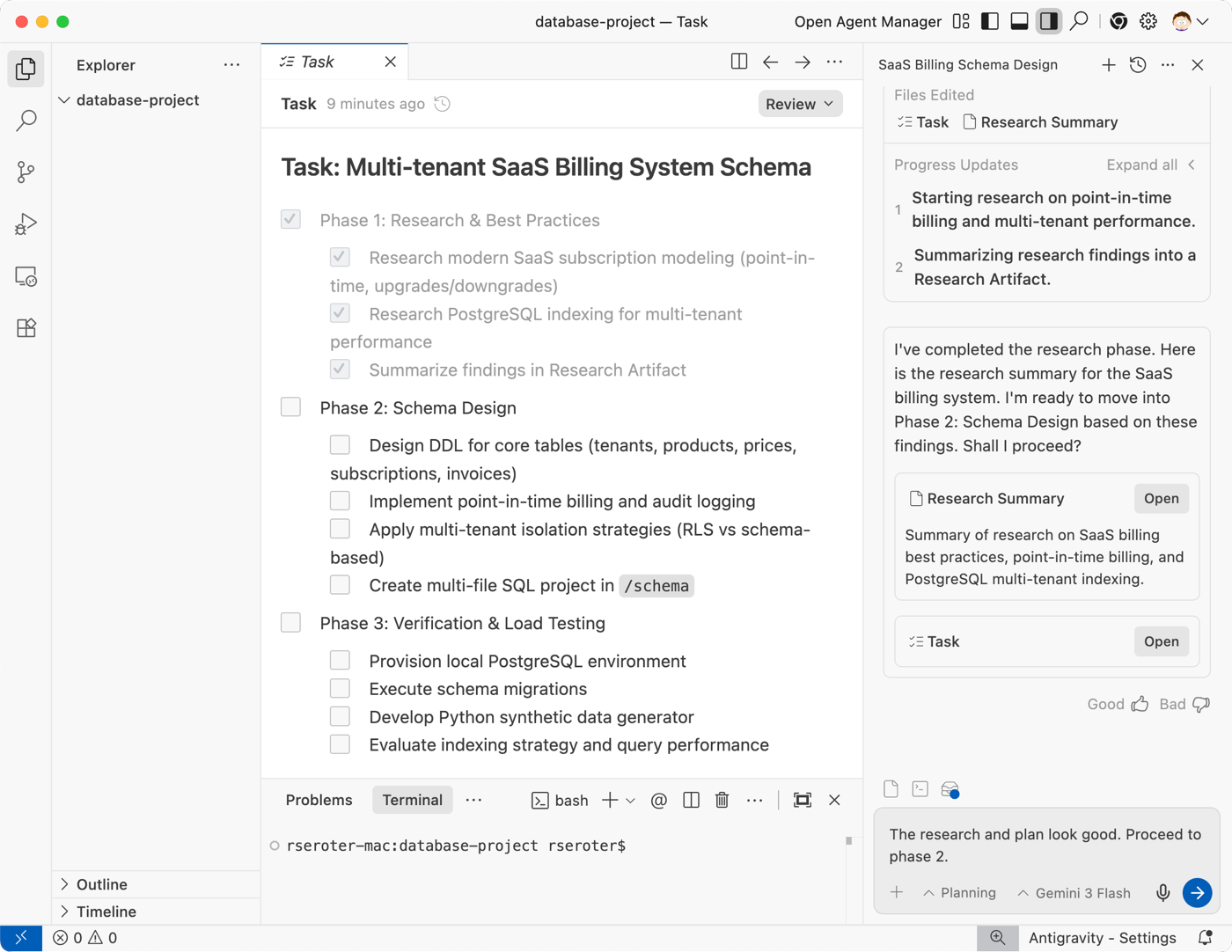
Note that Antigravity also kept my task list up to date. The first phase was all checked off.
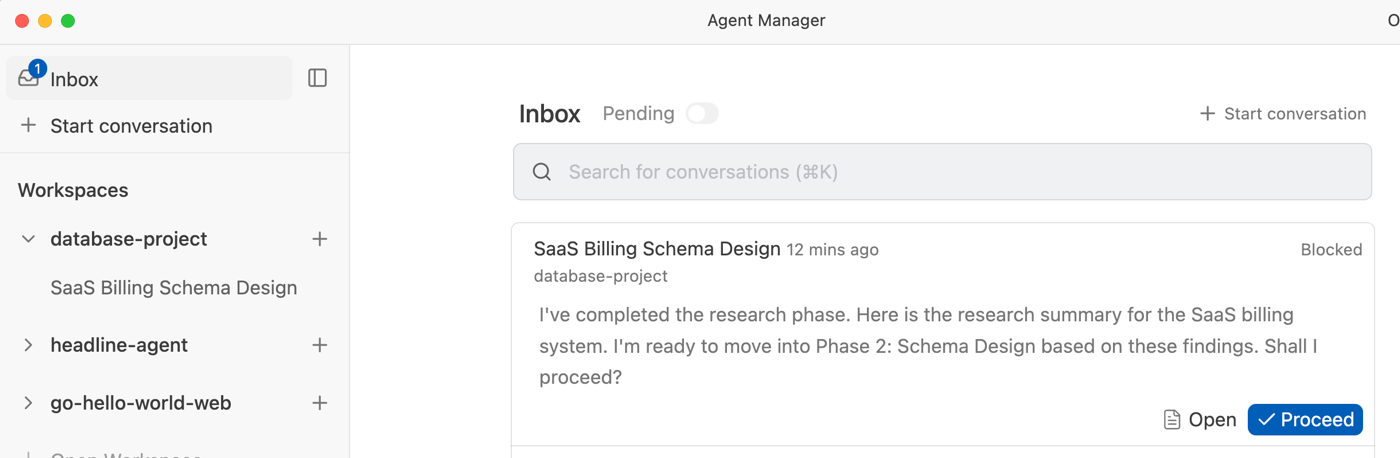
Because I was doing this all in one session, I added a note to the chat that indicated I was ready to proceed. If I had walked away and forgot where I was, I could always go into the Antigravity Agent Manager and see my open tasks in the Inbox.
It took less than 25 seconds for the next phase to complete. When it was over, I had a handful of SQL script files in the project folder.
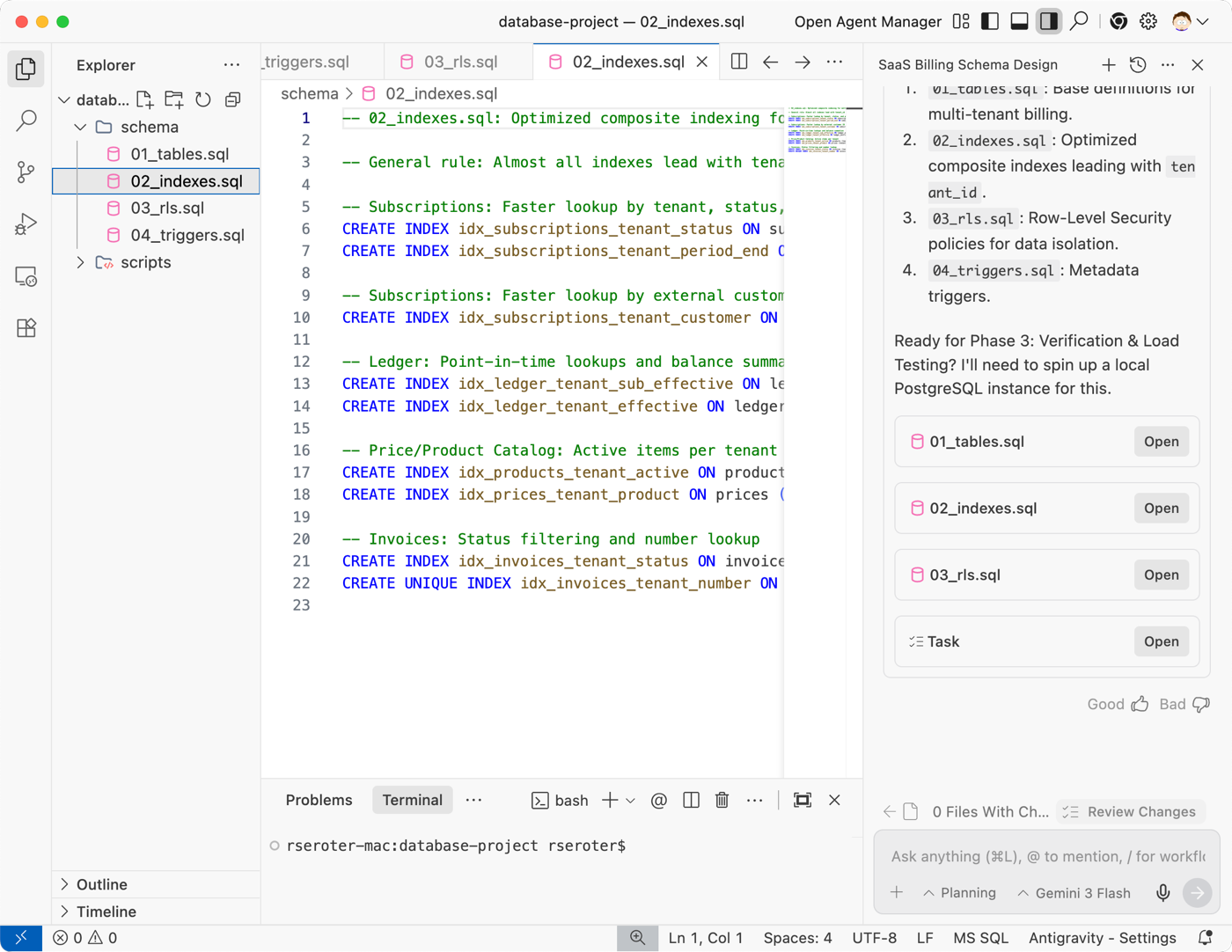
At this point, I could ask Google Antigravity to do another evaluation for completeness, or ask for detailed explanations of its decisions. I’m in control, and can intervene at any point to redirect the work or make sure I understand what’s happened so far.
But I was ready to keep going to phase 3 where we tested this schema with actual data. I gave the “ok” to proceed.
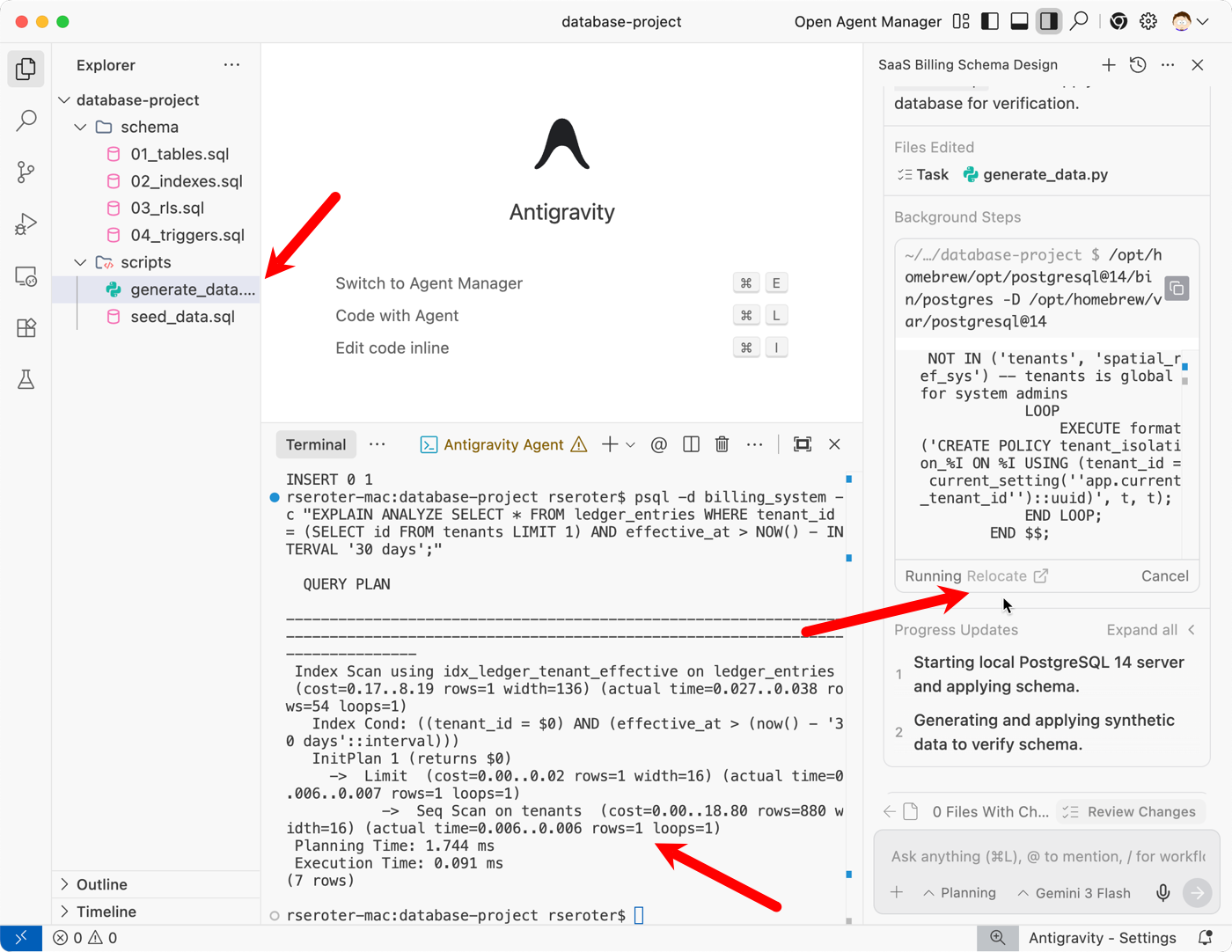
This was fun too! I relocated the agent terminal to my local terminal window so that I could see all the action happening. Notice here that Antigravity created seed data, a data generation script, and then started up my local PostgreSQL instance. It loaded the data in, and ran a handful of tests. All I did was watch!
That was it. When the process wrapped up, Antigravity generated a final Walkthrough artifact that explained what it did, and even offered a couple of possible next steps for my data architecture.

Is your mind swirling on use cases right now? Mine still is. Maybe infrastructure-as-code artifact generation based on analyzing your deployed architecture? Maybe create data pipelines or Kubernetes YAML? Use Google Antigravity to build apps, but don’t discount how powerful it is for any software solution.
 Richard Seroter's Architecture Musings
Leave a comment